15 Gaming Room Setups for Comfortable, Organized, and Immersive Play

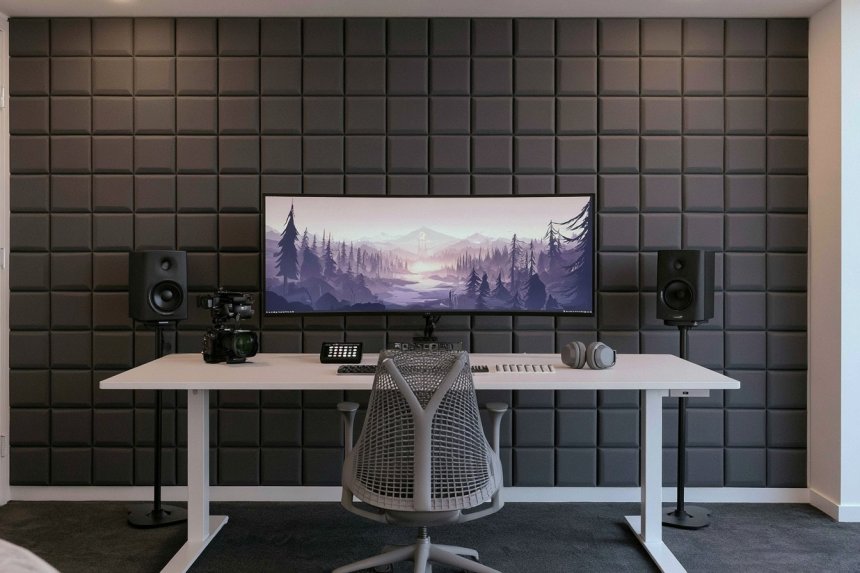
A successful gaming room should support comfortable play, organized equipment, and reliable performance before decorative features are added. Start by measuring the room, locating electrical outlets, and deciding whether the setup will be used for PC gaming, consoles, simulation equipment, streaming, or several activities. Desk depth, monitor position, chair movement, equipment ventilation, and cable routing should shape the layout from the beginning.
Lighting also deserves careful planning. Strong reflections can reduce screen visibility, while an entirely dark room may make controls and surrounding objects difficult to see. Combine soft general illumination with adjustable task or background lighting instead of relying on one intense source. Keep consoles and computers away from enclosed spaces that trap heat, secure heavy equipment properly, and preserve clear routes to doors and windows. These gaming room setups offer different visual directions while addressing the practical details required for everyday use.
1. Extend a Floating Gaming Desk Across One Wall
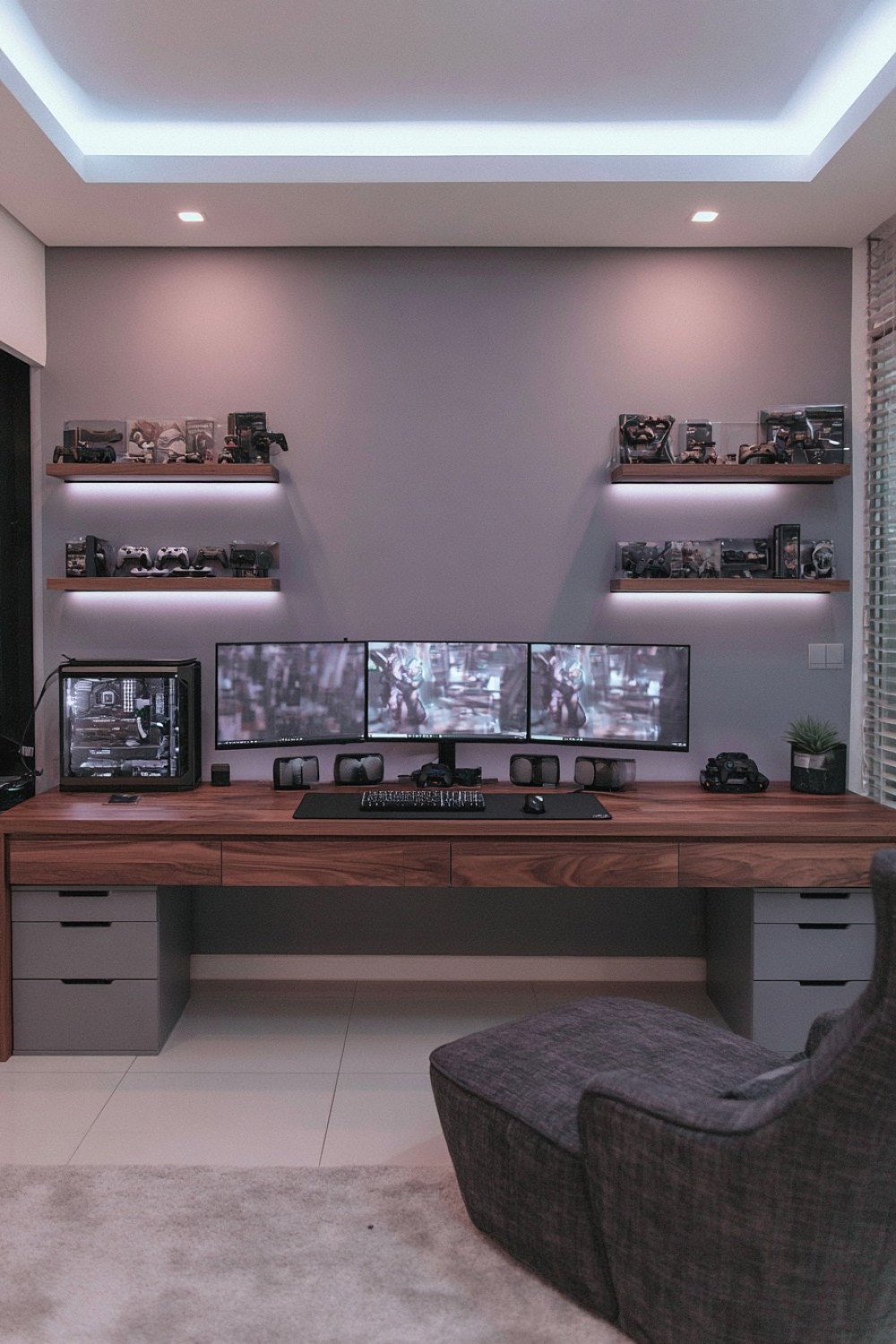
A wall-length floating desk can provide space for several monitors, speakers, charging equipment, and accessories without introducing bulky furniture legs. Determine the surface height according to the user’s chair and preferred posture rather than copying a decorative installation. The desk should also be deep enough to position the screen at a comfortable distance while preserving space for the keyboard, mouse, and forearm support.
Floating furniture must be attached to suitable structural support and rated for the combined weight of computers, monitors, and equipment. Decorative wall anchors alone may not support a heavily loaded gaming station. Add cable openings near each device and install a tray beneath the surface so power leads do not hang visibly. Monitor arms can free desk space but require a surface capable of handling their concentrated load. Leave open space around computer ventilation points and use accessible channels rather than permanently sealing cables inside the wall.
2. Plan a Balanced Dual Station for Two Players
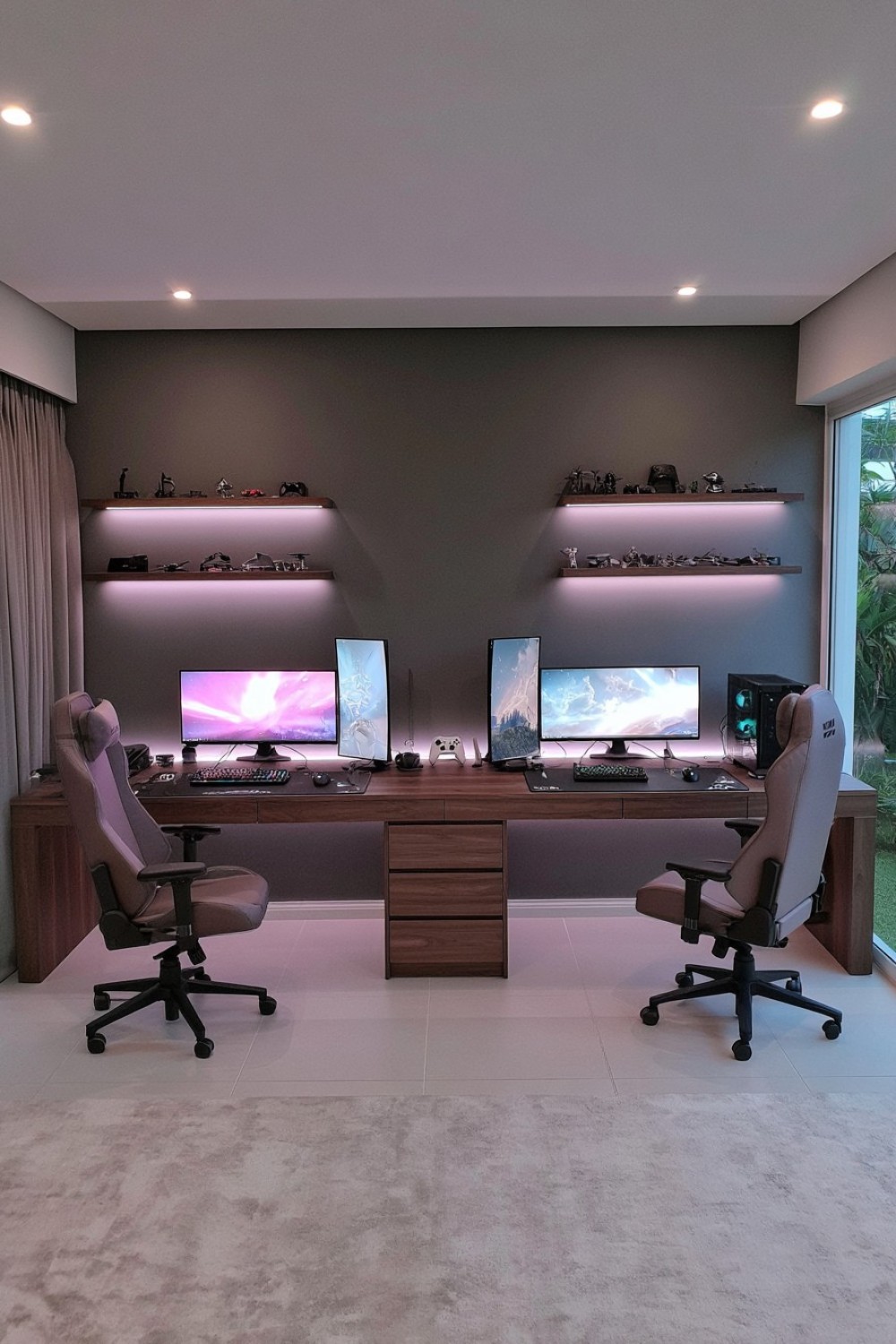
A two-player gaming station needs enough separation for independent mouse movement, chairs, headsets, and personal accessories. Begin with a continuous desk or two matching surfaces, then define each station with its own monitor, storage zone, and cable route. Identical equipment is unnecessary, but aligning screen heights and repeating selected finishes will make the arrangement feel organized.
Two computers and their peripherals may draw considerably more power than a basic desk setup. Avoid connecting all equipment through one unsuitable adapter, and have the available outlets or circuits assessed if necessary. Keep computer exhaust away from the neighboring intake so warm air does not circulate between systems. A shared drawer unit can separate the stations while storing controllers and charging cables. Provide individual task lighting and headset hooks so one player can adjust the setup without disrupting the other. Acoustic treatment and soft furnishings can help reduce reflections when both players use microphones.
3. Replace the All-Black Look With Warm Timber Finishes
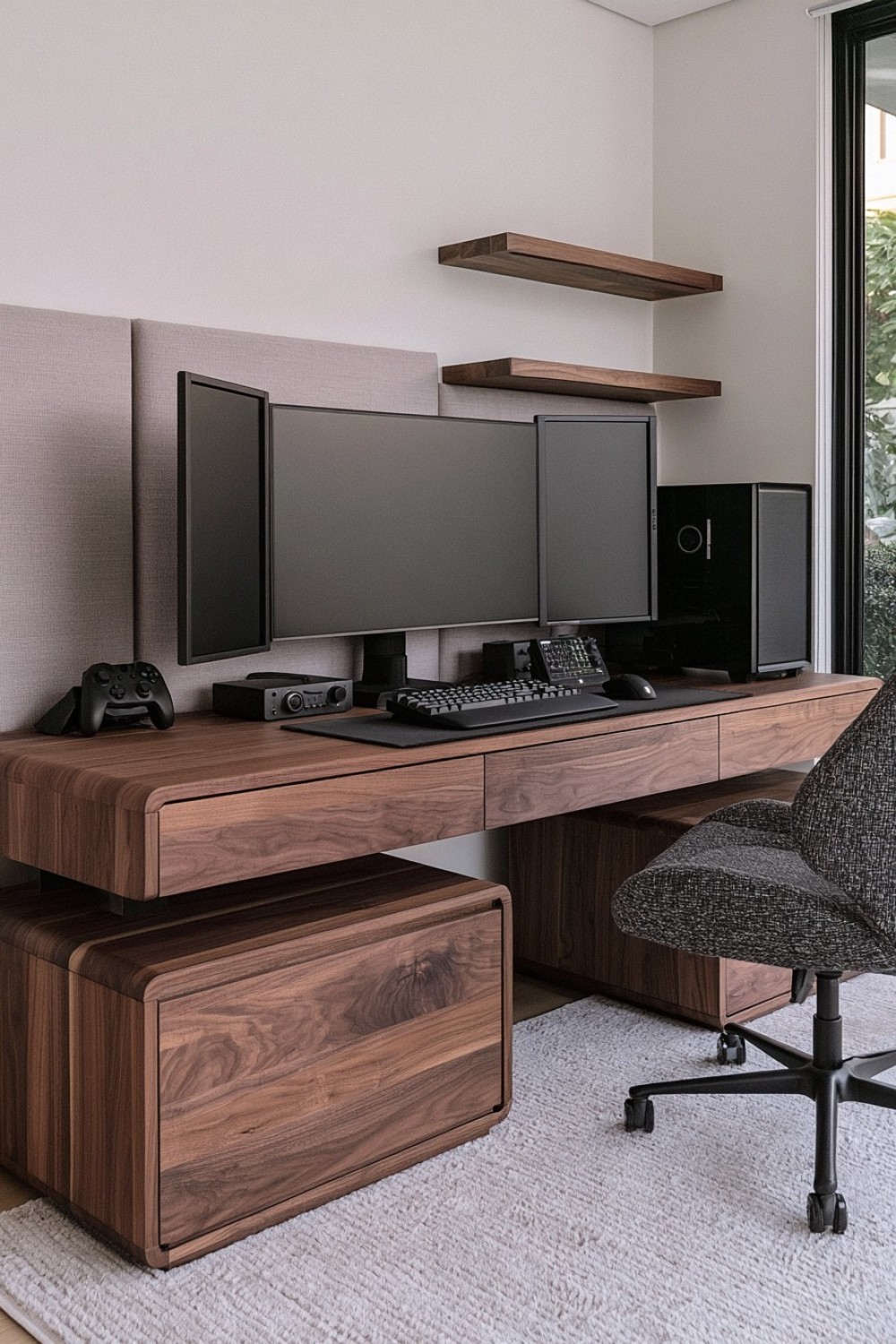
Oak, walnut, or medium-toned timber can make gaming equipment feel connected to the rest of the home. Use wood on the desk, shelves, or selected wall panels, then balance it with neutral walls and restrained dark hardware. A matte finish usually produces fewer distracting reflections than a high-gloss surface located near a monitor.
The desk still needs a durable top that tolerates equipment movement, cleaning, and concentrated pressure from monitor arms. If using veneer, confirm that clamps will not damage its edge. Avoid covering ventilation openings with decorative timber panels, and provide airflow around consoles stored within cabinetry. Warm white task lighting complements natural wood without requiring the entire room to become amber. A limited number of plants, ceramics, or framed pieces can soften the technical setup, but they should remain away from heat exhaust, cables, and devices that require regular access.
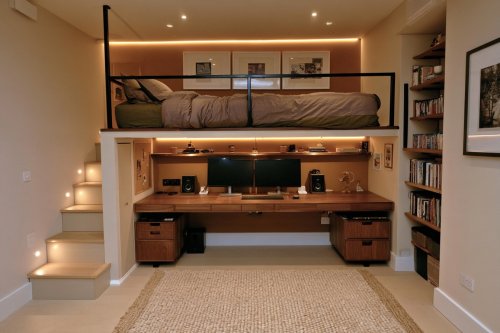
4. Build Upward in a Small Gaming Corner
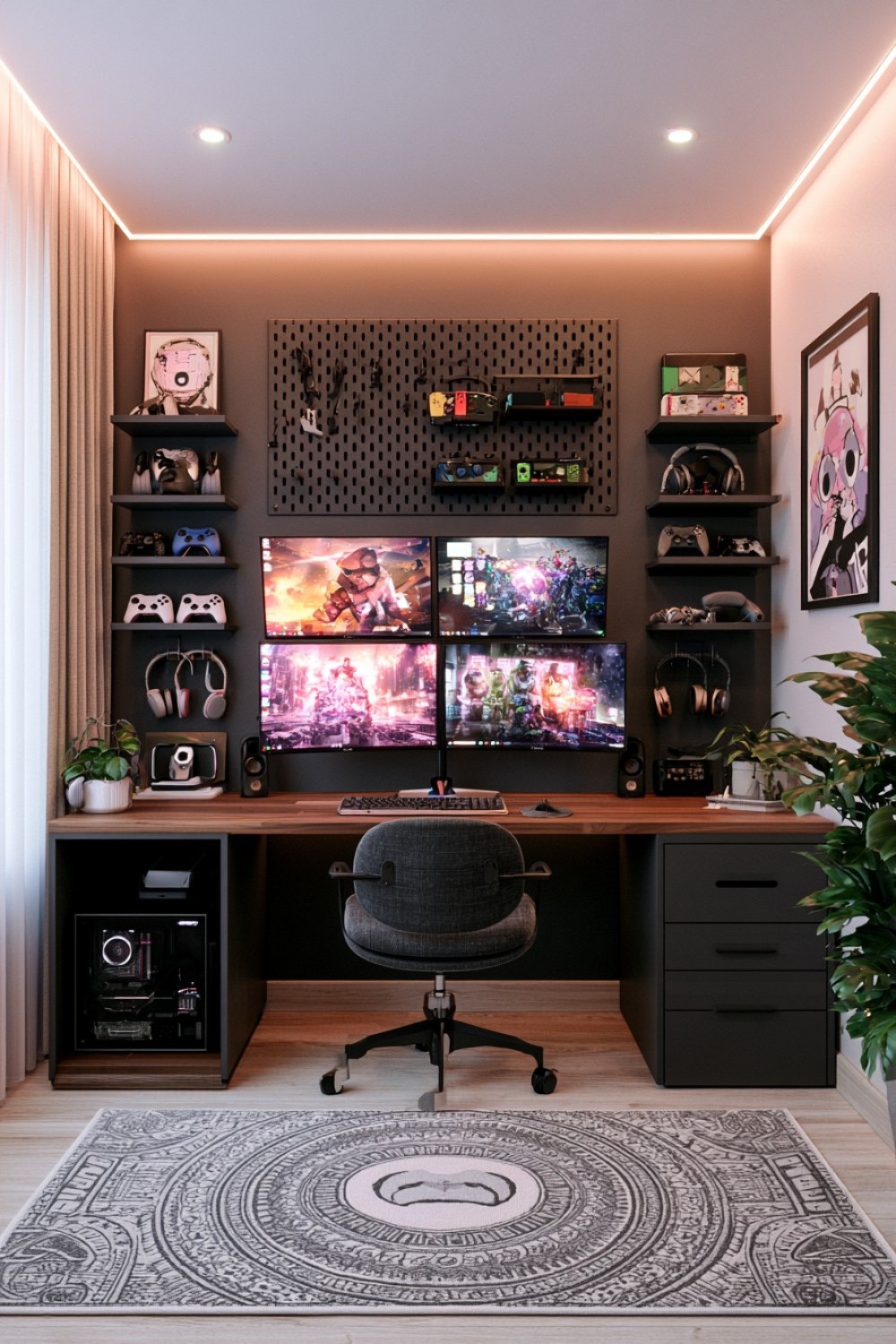
A vertical arrangement can fit a capable gaming station into an unused bedroom, studio apartment, or shared living space. Keep the desk surface dedicated to active equipment and move controllers, games, headphones, and accessories onto shelves above or beside it. Pegboards and shallow wall organizers can store lighter items without reducing legroom.
Do not place heavy computers or consoles on high shelves where they are difficult to lift or could fall. Upper storage should hold lightweight accessories, while frequently used equipment remains within comfortable reach. Position shelves high enough that the user cannot hit them when standing, but not so high that safe access requires climbing on the chair. Corner walls may restrict airflow, so maintain the clearance recommended for every device. A compact monitor arm can increase usable surface area, provided the desk and mounting point can support it. Keep the chair route and room entrance unobstructed.
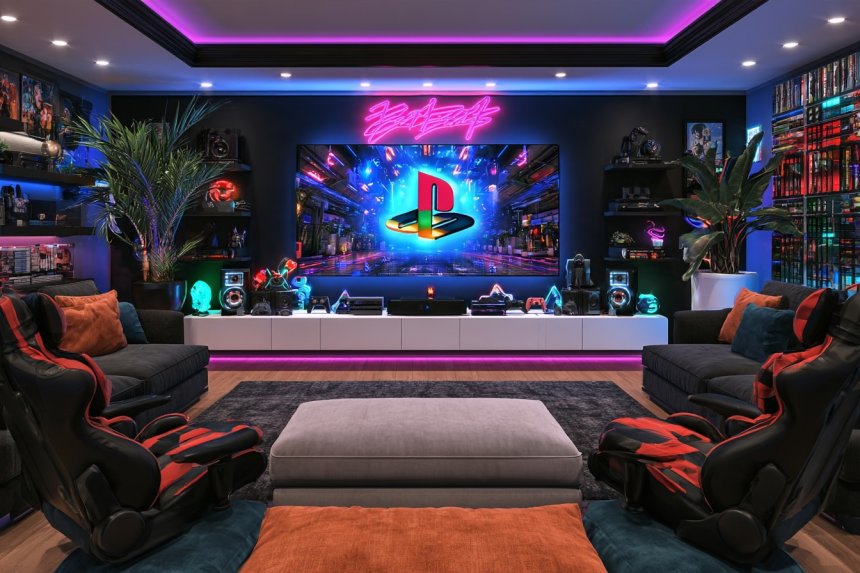
5. Create a Console Lounge With Supportive Low Seating
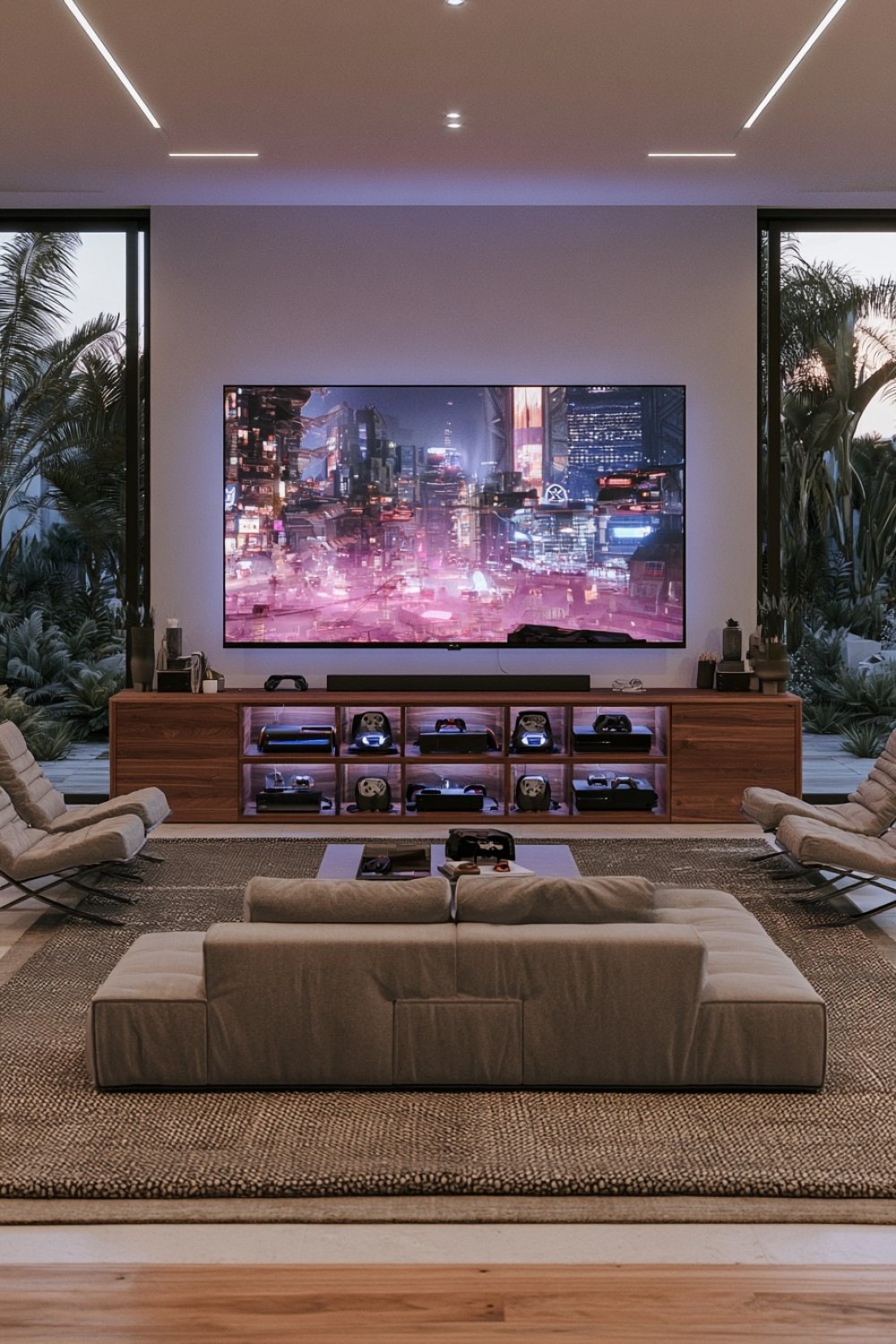
A console-focused room can replace the conventional desk with a compact sofa, supportive lounge chairs, or modular floor-level seating. Arrange the seats according to the screen size and manufacturer guidance rather than placing them as close as possible. The television should be positioned so viewers can see it comfortably without repeatedly looking sharply upward or sideways.
Low seating still needs adequate back support, particularly during longer sessions. Modular sections make it easier to accommodate solo play or groups, while washable performance fabric simplifies maintenance. Use a low central table only when it does not block legroom or controller movement. Store consoles in an open or properly ventilated media unit and keep controller charging points accessible. Rugs and curtains can soften sound, but floor coverings need non-slip backing and should not cross the route to the door. Provide gentle general lighting so players can move safely when the screen is the main visual focus.
6. Prepare a Streaming Setup With a Controlled Camera Background
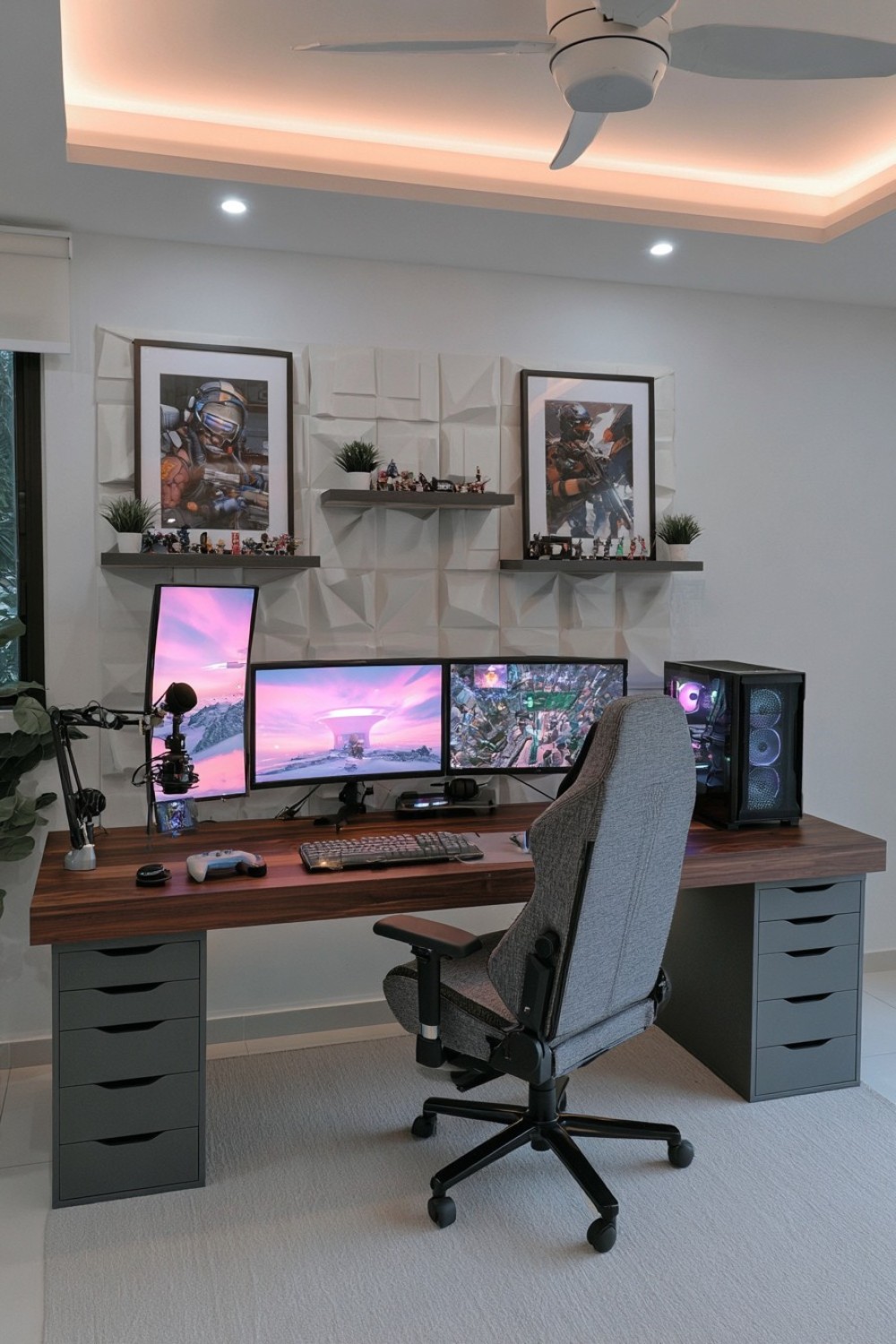
A streaming room should be planned from the camera’s point of view as well as the player’s. Test the framing before installing permanent shelves or decorative panels. A restrained background with one display shelf, textured panel, or controlled color accent will usually appear clearer on camera than a wall filled with unrelated objects. Avoid revealing personal documents, addresses, windows with identifiable views, or reflective surfaces showing private areas.
Place the key light slightly above and to one side of the camera, then use softer fill or background illumination where needed. Fixtures and stands must remain stable and clear of chair movement. A microphone arm can free desk space, but it should not block the monitor or place excessive pressure on a weak desktop edge. Curtains, rugs, and acoustic panels may reduce room reflections. Route camera, microphone, lighting, and capture-device cables separately enough that individual equipment can be serviced without dismantling the entire setup.
7. Incorporate Acoustic Panels Into the Wall Design
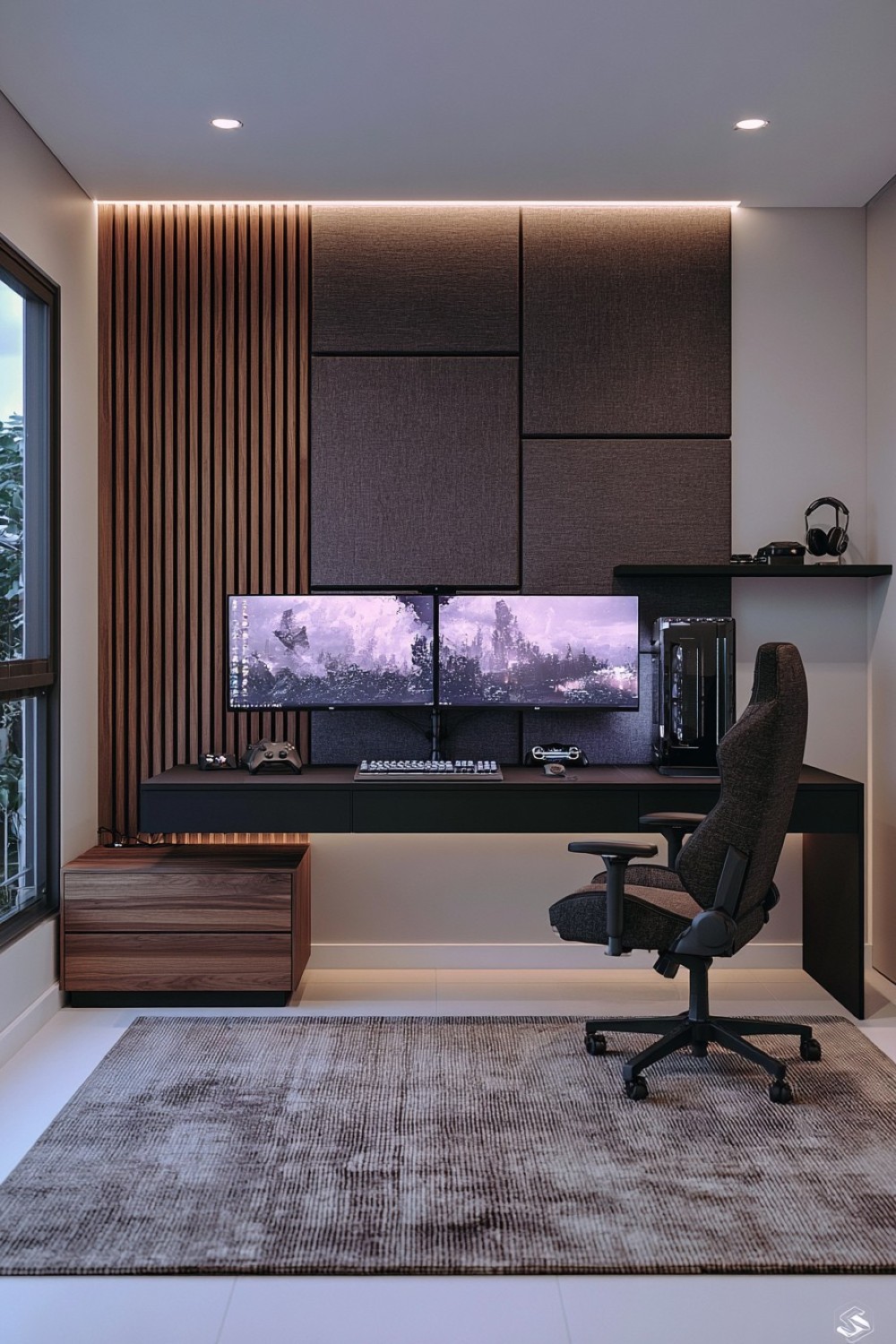
Acoustic panels can reduce unwanted reflections within a gaming or streaming room while adding geometric texture. They are most useful near first reflection points, behind the desk, or on large bare walls rather than being installed randomly as decoration. Panels designed for acoustic absorption perform differently from thin decorative foam, and neither option automatically prevents sound from travelling into neighboring rooms.
Select products appropriate for interior use and consider their fire-performance information, installation requirements, and maintenance instructions. Panels should not cover outlets, ventilation openings, electrical panels, detectors, or equipment exhaust. Use a limited color arrangement that connects with the desk or wall finish instead of turning every surface into a pattern. Curtains, upholstered seating, rugs, and bookshelves can contribute additional absorption. If preventing sound transmission is the priority, the room may require construction changes involving doors, walls, ceilings, and service gaps rather than surface panels alone.
8. Give Racing Equipment a Dedicated and Stable Zone
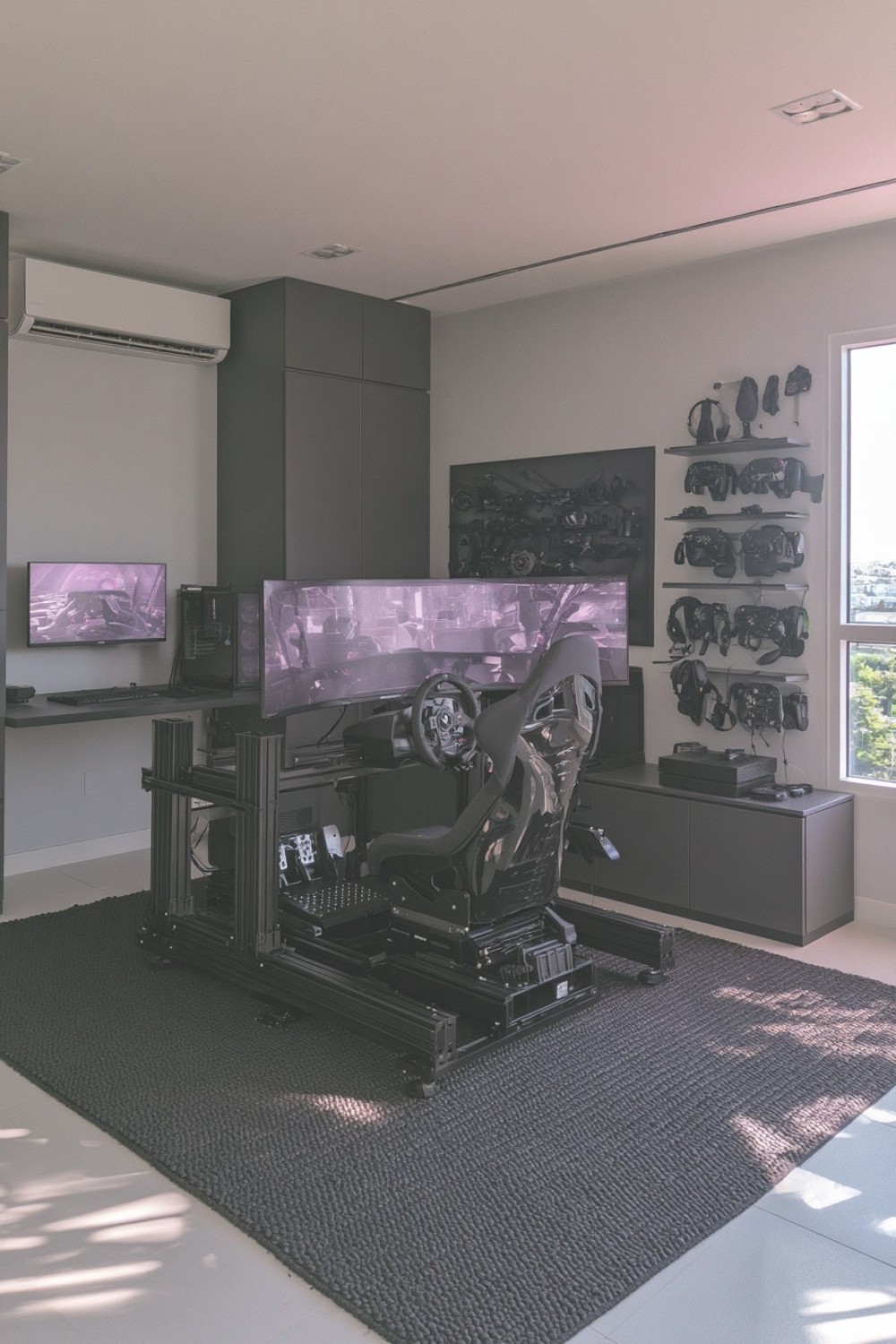
A racing simulator requires more floor area than an ordinary controller setup because the seat, wheel, pedals, frame, and screen must maintain a stable relationship. Measure the complete equipment footprint and the space needed to enter and leave the seat before choosing its location. Position it away from the main doorway so the frame and pedals do not become obstacles.
Use a purpose-built stand or securely assembled frame that can resist steering and braking forces without moving. Locking casters or protective floor pads may help when the simulator needs occasional repositioning. Store detachable wheels, shifters, cables, and headsets on a nearby cabinet rather than on the floor. Multiple screens or large displays require stable manufacturer-approved mounts. Keep the computer or console ventilated and allow access to power switches. If the simulator produces noticeable vibration, a dense protective mat may help reduce its transfer while protecting the flooring.
9. Blend Retro Character With Current Gaming Equipment
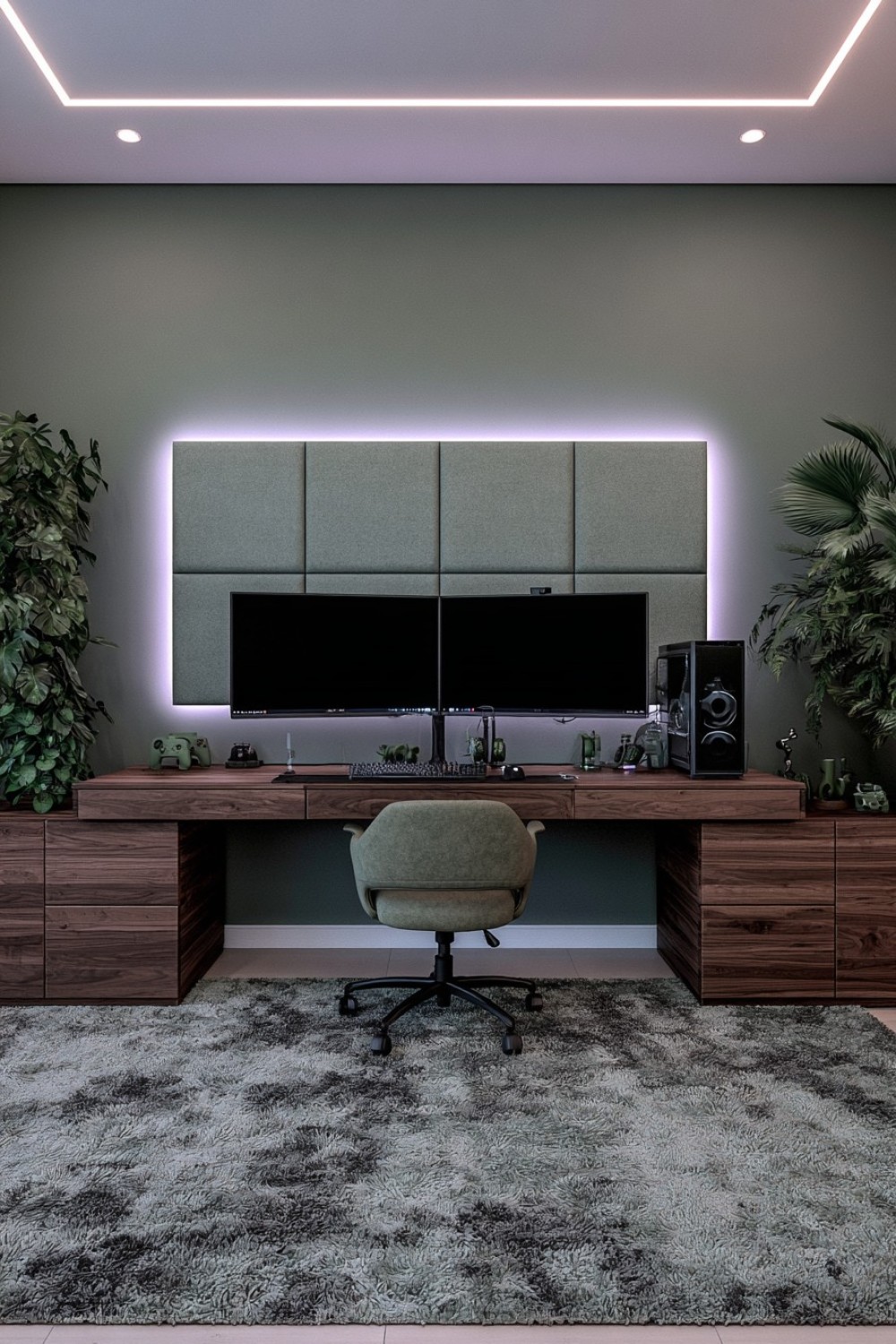
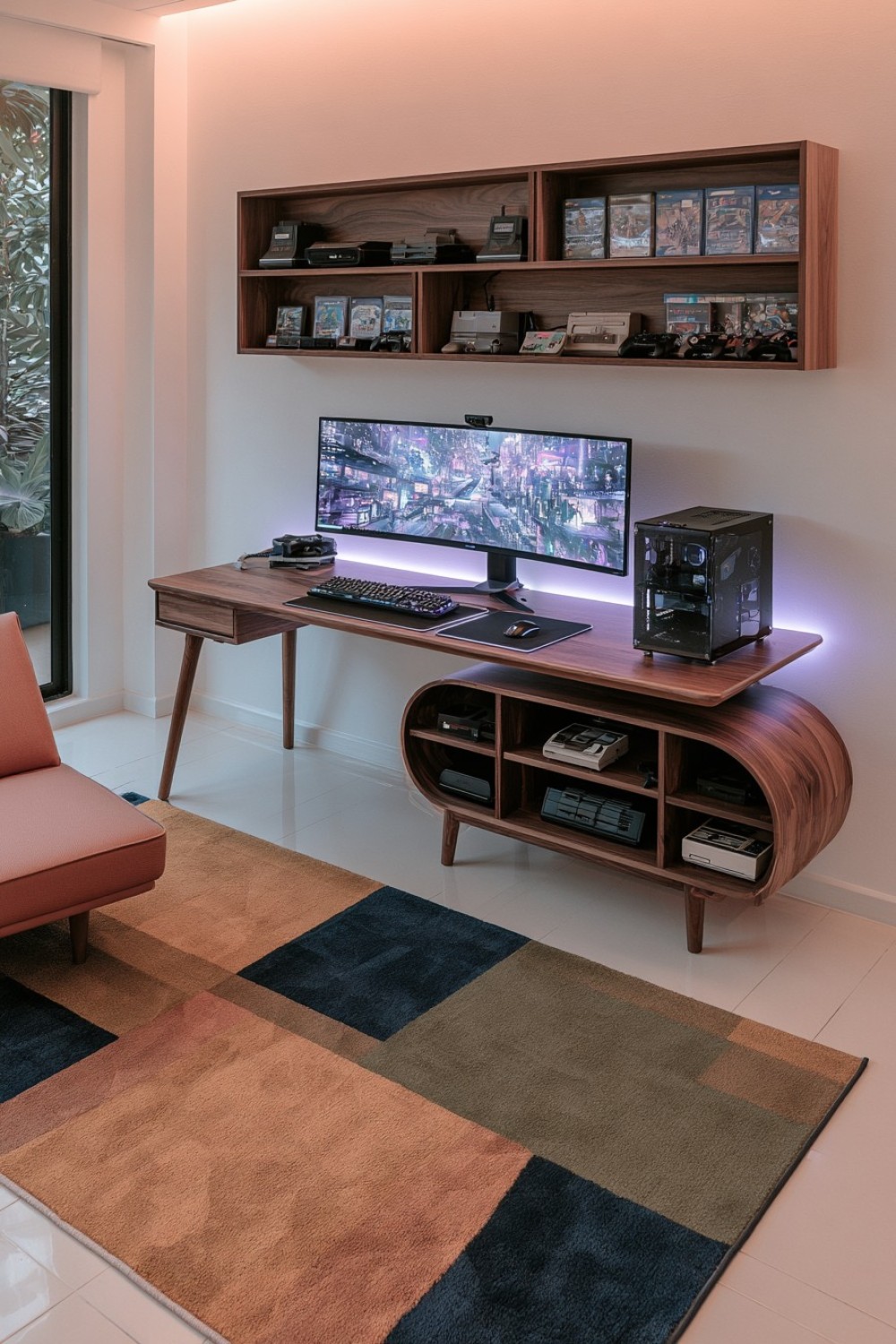
A retro-inspired gaming room can reference an earlier era through color, furniture shapes, artwork, and a small number of vintage devices. Choose one direction—such as warm wood and muted seventies tones or brighter arcade-inspired accents—rather than combining every gaming decade. Contemporary computers, consoles, and ergonomic seating can remain visible as long as the surrounding palette creates continuity.
Older electronics should be inspected before use and connected only when their condition and electrical requirements are understood. They also need ventilation and should not be treated as harmless decorative objects if they remain powered. Display original cartridges, controllers, and boxed games on stable shelving away from direct sunlight. Use reproductions or personal artwork when valuable items would be at risk. Cable channels and modern charging storage can remain concealed within vintage-style cabinets, allowing the atmosphere to feel nostalgic without sacrificing organization or equipment care.
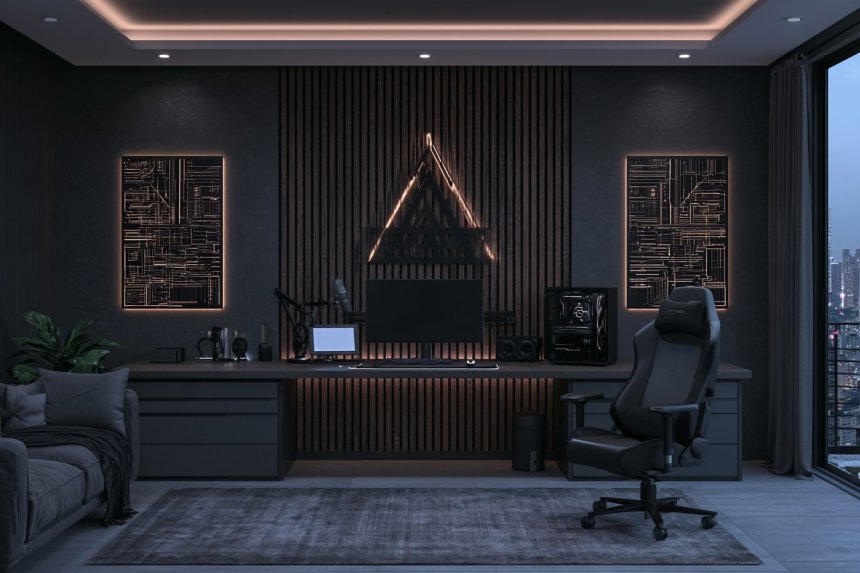
10. Conceal Clutter in a Dark Minimal Gaming Room
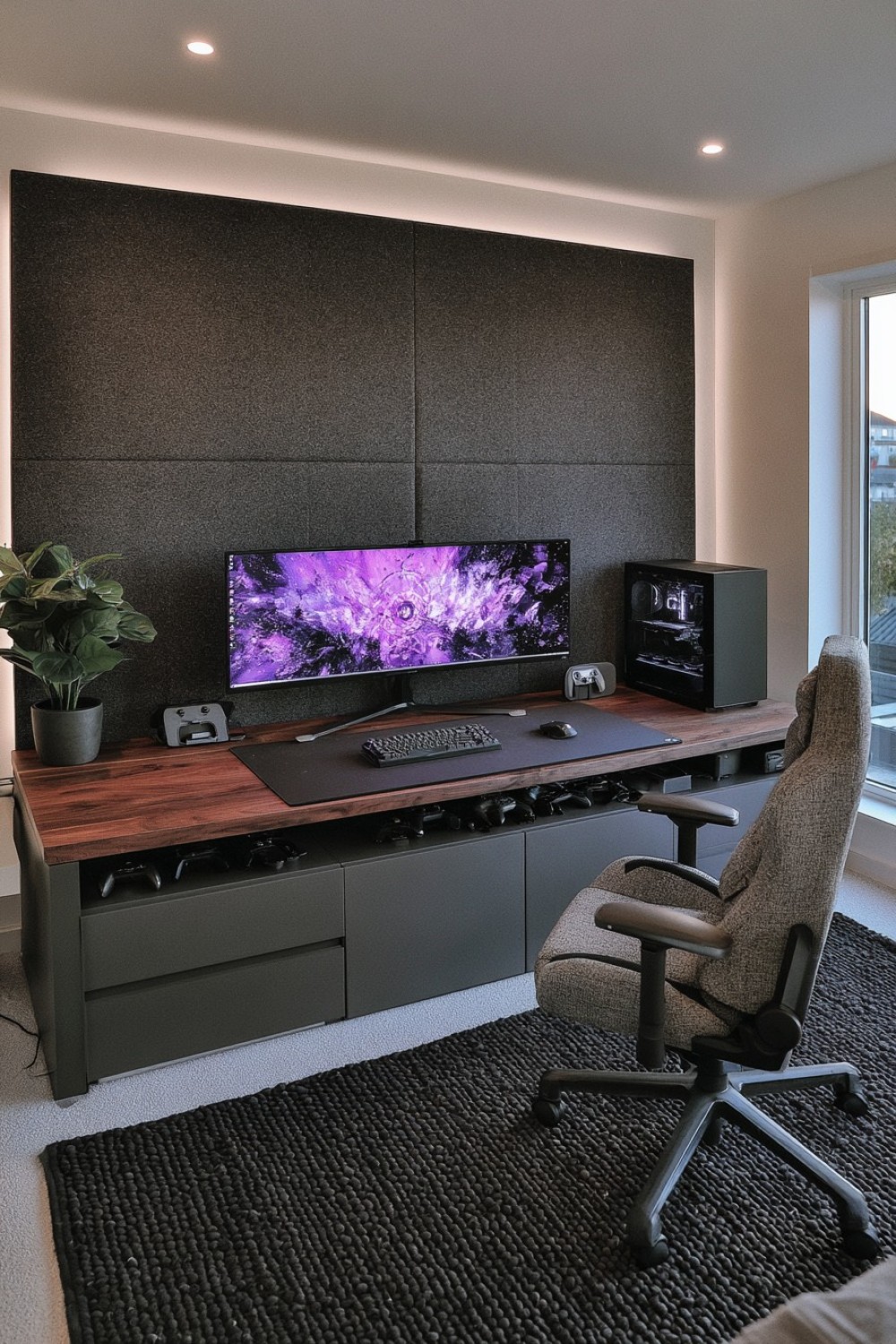
A dark gaming room can feel calm and focused when surfaces are kept simple and accessories are stored out of sight. Use charcoal, deep gray, or dark brown across selected cabinets and walls while retaining enough tonal variation to distinguish furniture edges. Matte finishes generally create fewer reflections than glossy black surfaces positioned around the screen.
Closed drawers can hold controllers, spare cables, games, and charging equipment, but active devices should not be sealed inside unventilated cupboards. Provide soft illumination beneath a shelf, behind the monitor, or along the room perimeter so users can identify the desk edge and floor route. Avoid aiming bright points directly toward the screen or seated eye level. Dark rooms show dust and fingerprints easily, so choose finishes that can be cleaned without damage. One lighter countertop, rug, or wall plane can prevent the room from losing all visual depth.
11. Combine PC Gaming With a Compact Sofa Zone
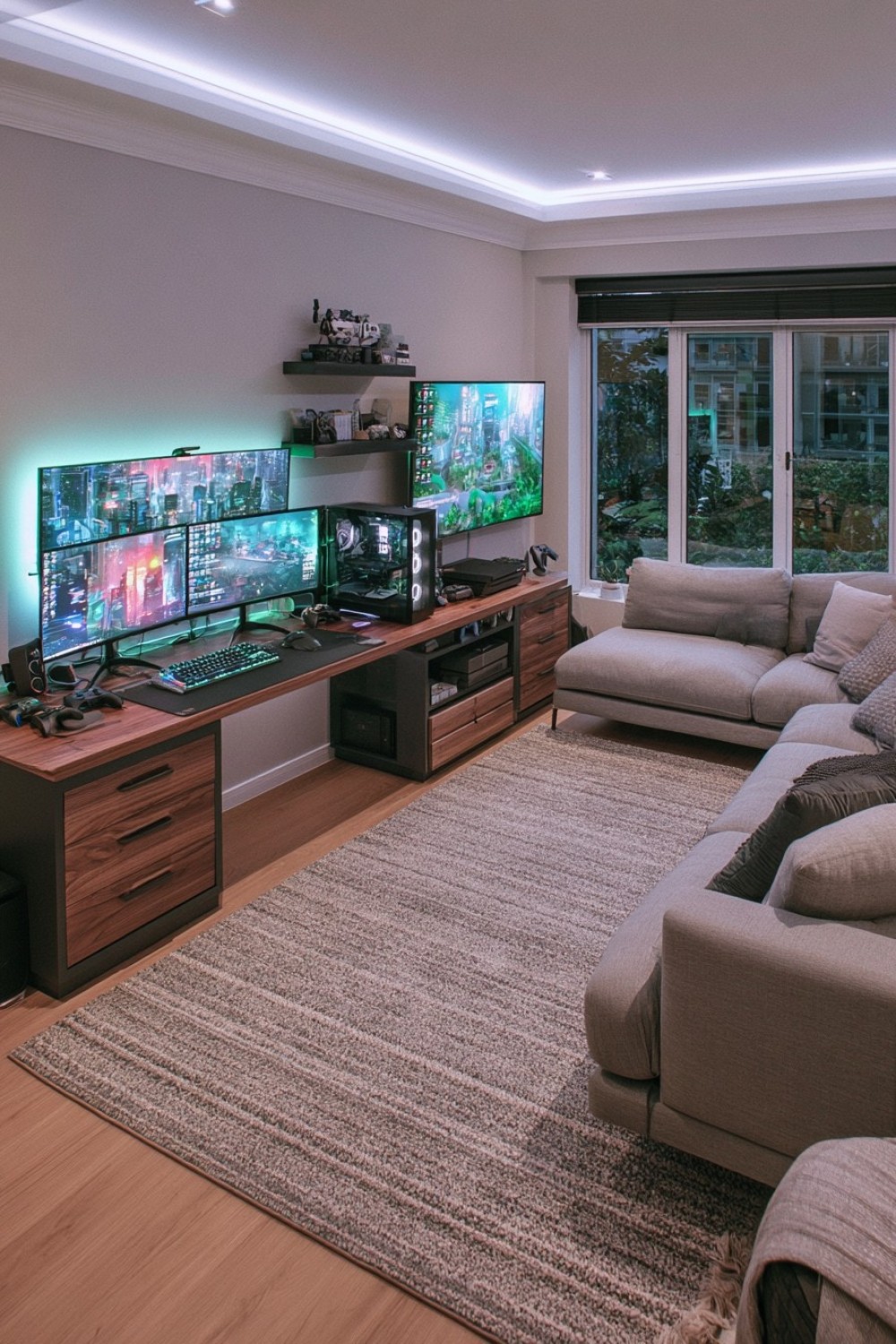
A hybrid layout allows the room to support focused PC sessions, console play, films, and casual social use. Place the desk against one wall and choose a compact sofa that does not interfere with chair movement. A wall-mounted or carefully positioned secondary screen can serve the seating area, while the desk monitor remains dedicated to close-range use.
Measure the chair’s full backward travel before choosing the sofa depth. An ottoman with internal storage can replace a large coffee table and hold controllers, blankets, or accessories. If one computer serves both screens, route the necessary cables safely and keep ports accessible. Avoid running loose leads across the space between the desk and sofa. Use separate lighting controls for the work and lounge zones so each can function without illuminating the entire room. Repeating upholstery, timber, or wall colors will help the two arrangements feel like parts of one room.
12. Turn a Gaming Collection Into an Edited Display
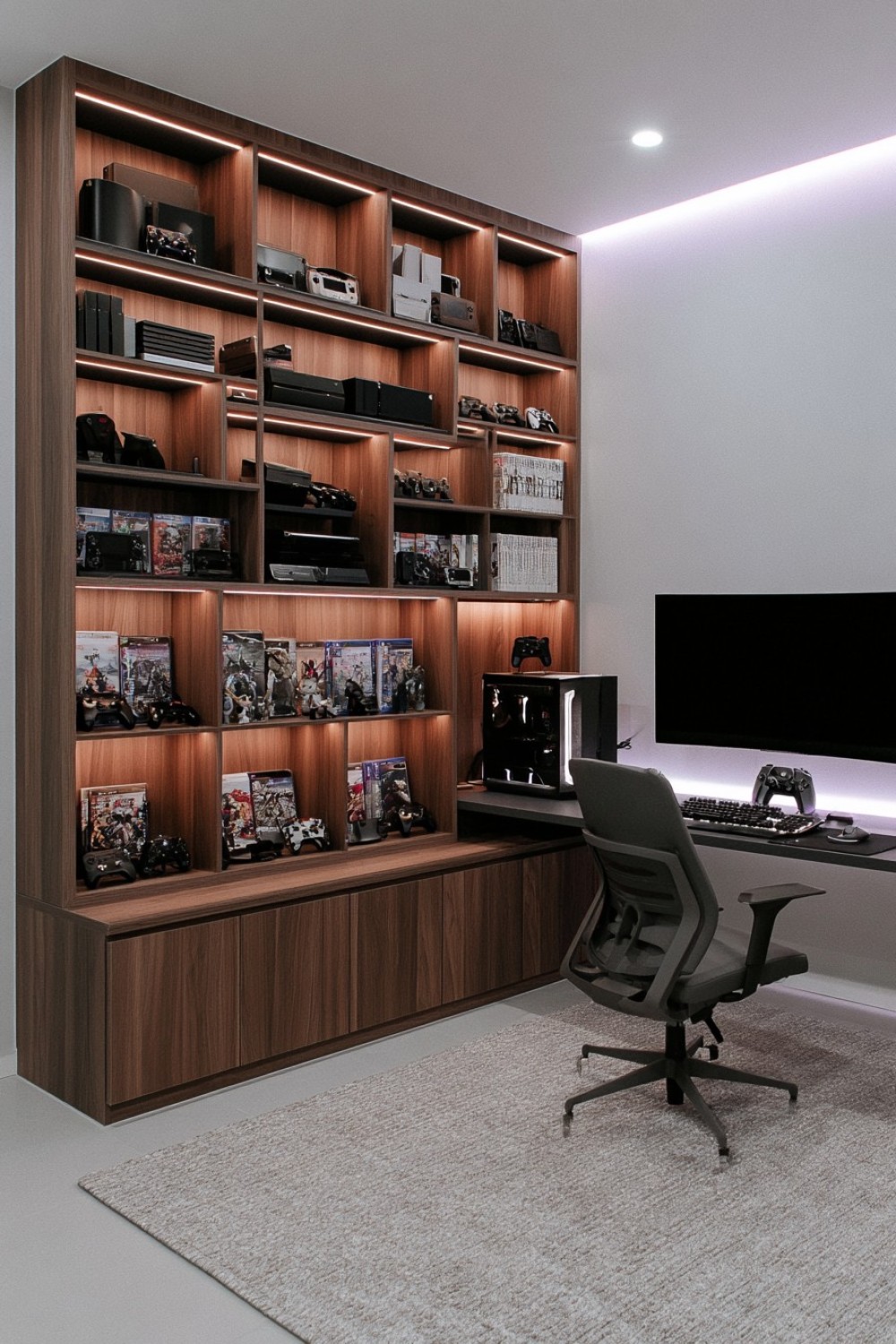
Games, figures, controllers, and limited-edition objects can personalize a room when they are grouped intentionally. Divide the collection by franchise, platform, era, or object type and leave space between groups. Displaying fewer items at once usually makes individual pieces easier to appreciate, while reserve objects can remain protected in closed cabinets.
Shelves should be anchored appropriately and rated for the stored weight. Heavy consoles and boxed collections belong on lower levels, while lightweight figures may sit higher. Avoid placing fragile or valuable objects directly above the desk, bed, or seating. Enclosed cabinets can reduce dust, although strong internal lighting and direct sunlight may contribute to fading or heat. Keep original packaging and small accessories organized separately rather than stacking them behind the display. Rotating selected items periodically provides variety without adding more shelving to the room.
13. Combine Metal and Dark Wood for an Industrial Setup
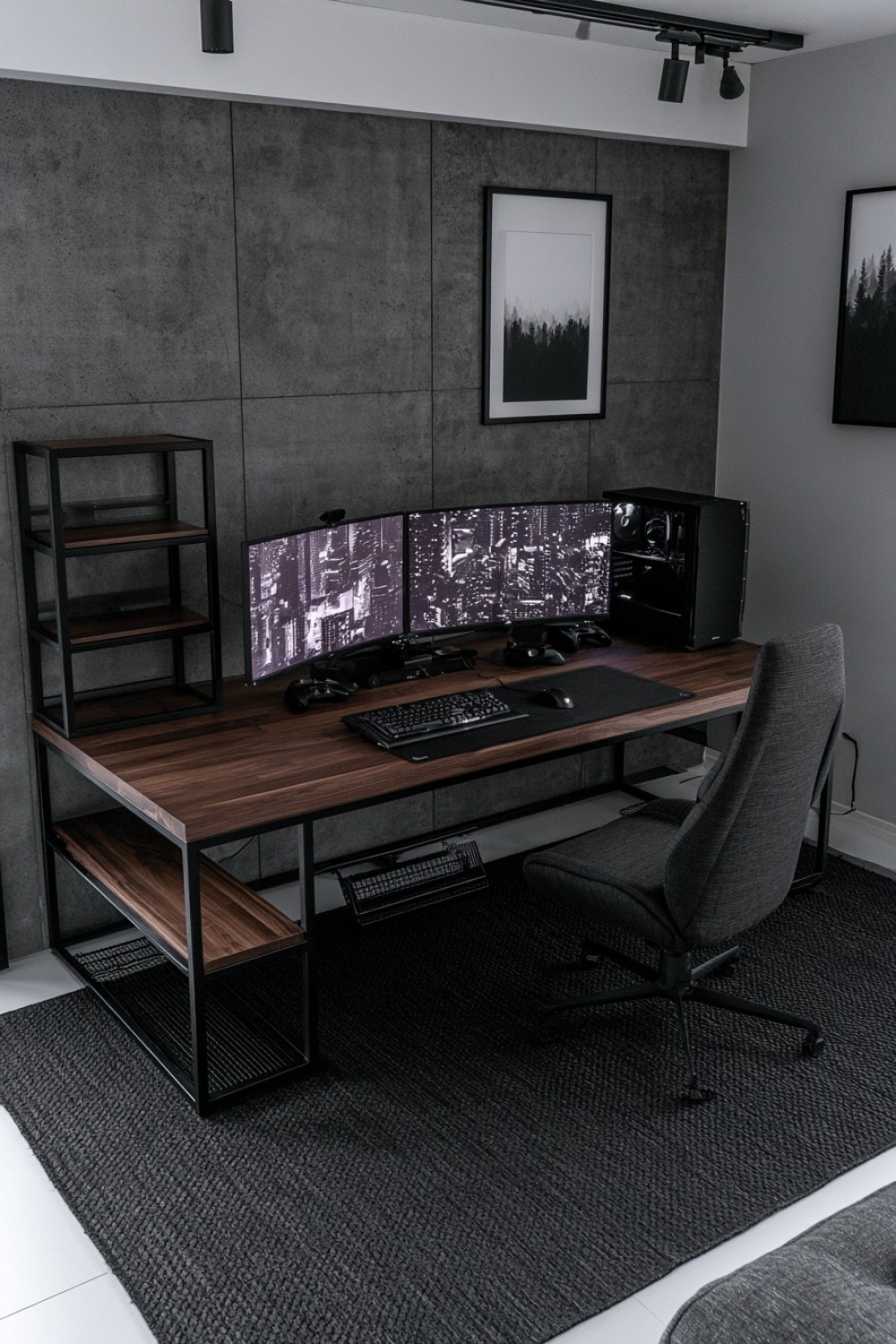
Dark wood and powder-coated metal can give a gaming setup architectural weight without depending on themed decorations. A solid timber-look desk, black frame, and restrained open shelving create an industrial foundation that works with modern hardware. Add one softer element such as an upholstered chair, rug, or curtain so the room does not feel acoustically and visually harsh.
Check welded joints, fasteners, and shelf capacities before placing heavy equipment on an open metal frame. Sharp corners and projecting supports should remain away from chair movement. Open shelving improves airflow but exposes cables, so use channels mounted beneath the desk and route leads along the rear supports. Metal surfaces can reflect bright accent lighting and may transmit vibration from speakers or equipment; pads and controlled light placement can reduce these effects. Choose sealed wood surfaces that tolerate routine cleaning and monitor-arm clamps.
14. Add a Movable Side Desk for Changing Activities
A movable side desk can support laptops, handheld consoles, drawing tablets, snacks, or temporary streaming equipment without permanently enlarging the main station. Choose a surface that can slide beside the chair or park beneath another table when not required. Adjustable height is useful when the same piece serves both desk and lounge seating.
Use locking casters and confirm that the base remains stable when weight is placed near an outer edge. The desk should move without striking computer towers, cables, or chair controls. Battery-powered accessories reduce trailing wires, but charging should occur at a designated position near an outlet. Do not place drinks directly above power strips or electronic equipment; a recessed holder or separate side position is safer. Marking a parking location keeps the mobile surface from narrowing the doorway or remaining loose in the room after use.
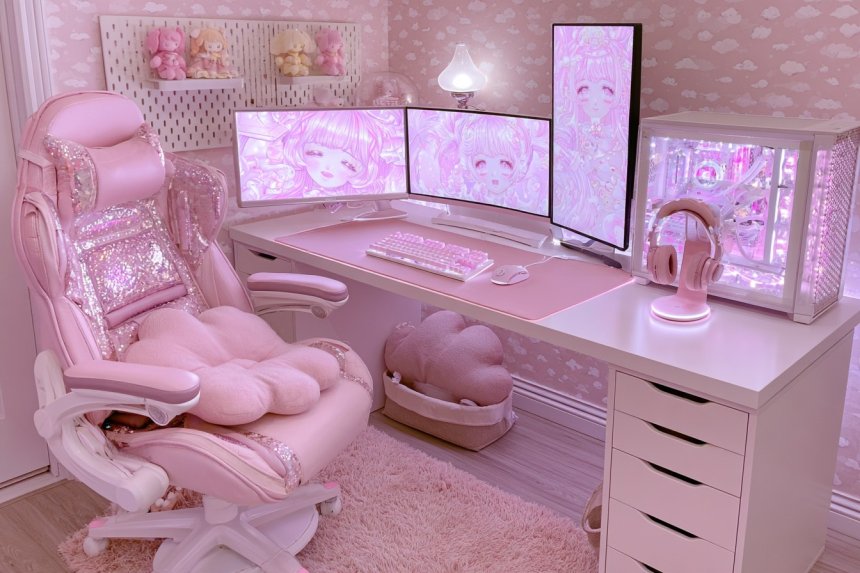
15. Build Immersion With a Controlled Single-Color Palette
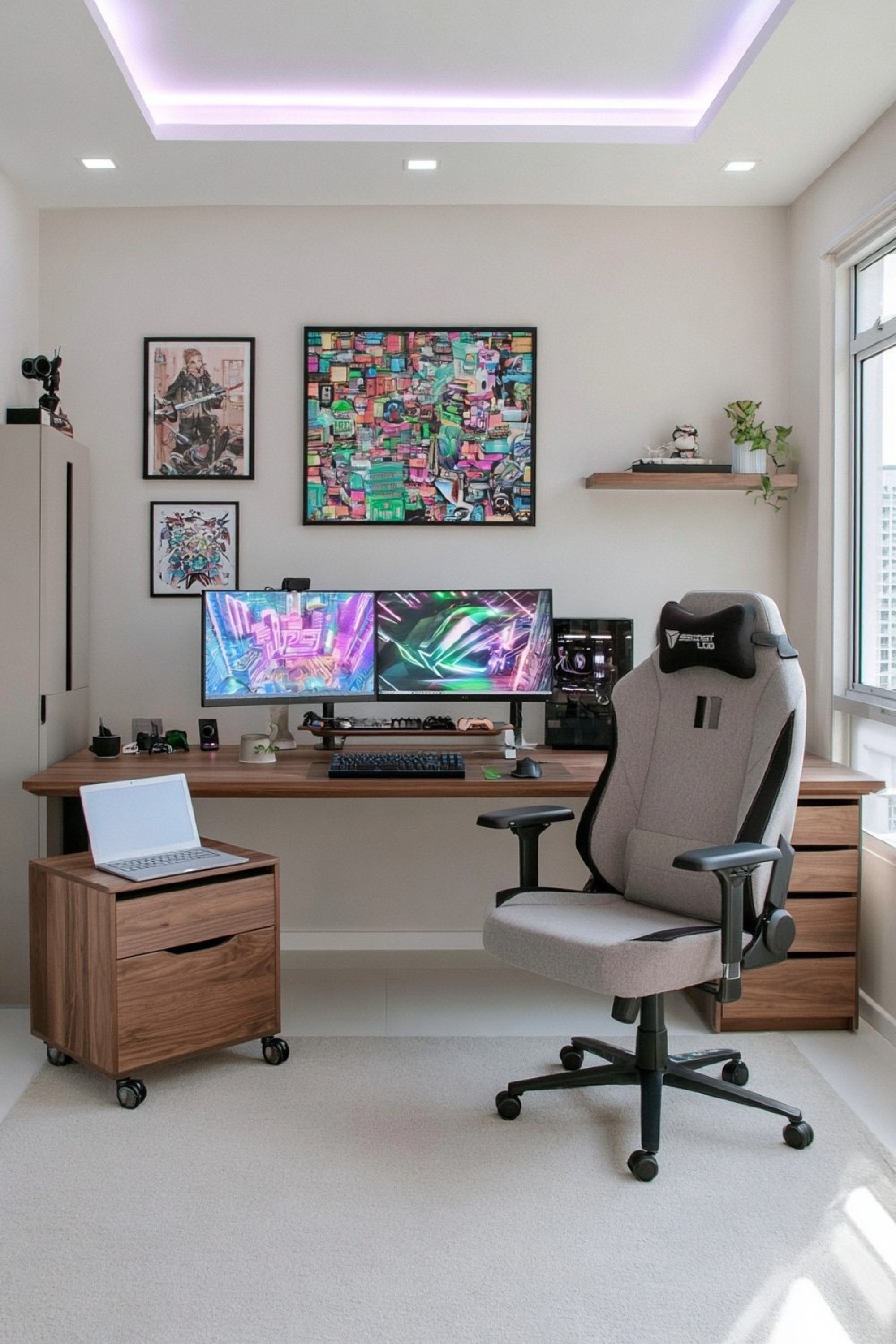
A single-color concept can make different devices and furniture feel coordinated without covering the room in logos. Choose one principal shade, then use lighter and darker variations across paint, upholstery, accessories, and adjustable lighting. Neutral black, gray, wood, or off-white surfaces give the selected color enough contrast to remain distinct.
Colored illumination should supplement functional room lighting rather than replace it. Use controllable fixtures that can be dimmed or changed when reading controls, cleaning, or moving through the room. Keep light sources out of direct view and avoid reflections across the monitor. Cables, adapters, and fixtures must be suitable for their intended installation and should not be hidden beneath rugs or enclosed where heat can accumulate. Testing the palette on one wall and a few accessories first is easier to reverse than purchasing every component in the same saturated color.
MORE IDEAS


Share
What's Your Reaction?
 Like
0
Like
0
 Dislike
0
Dislike
0
 Love
0
Love
0
 Funny
0
Funny
0
 Angry
0
Angry
0
 Sad
0
Sad
0
 Wow
0
Wow
0