16 Video Gaming Room Layouts for Console Nights and Shared Play

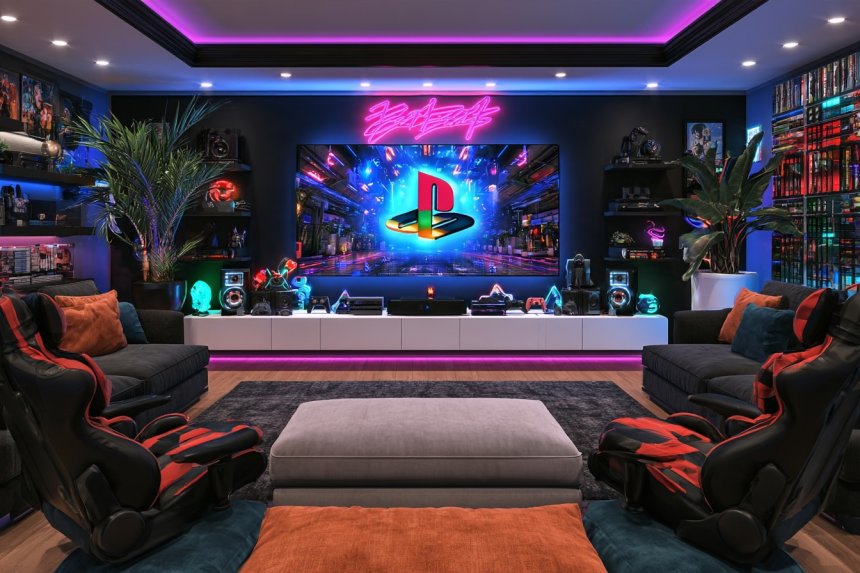
A video gaming room designed around consoles needs comfortable screen viewing, shared seating, organized controllers, and enough flexibility for both solo and multiplayer sessions. Screen size should match the viewing distance, while the media unit must provide ventilation for consoles and easy access to cables. Furniture should not block speakers, doors, or walking routes, and bright decorative lighting should never compete with the display. Before buying accessories, decide how many people will normally use the room and which activities it must support. These gaming room layouts focus on console play, physical collections, social game nights, and practical storage while addressing ergonomics, electrical safety, cooling, and changing equipment.
1. Create a Cinematic Gaming Wall With a Wide Display
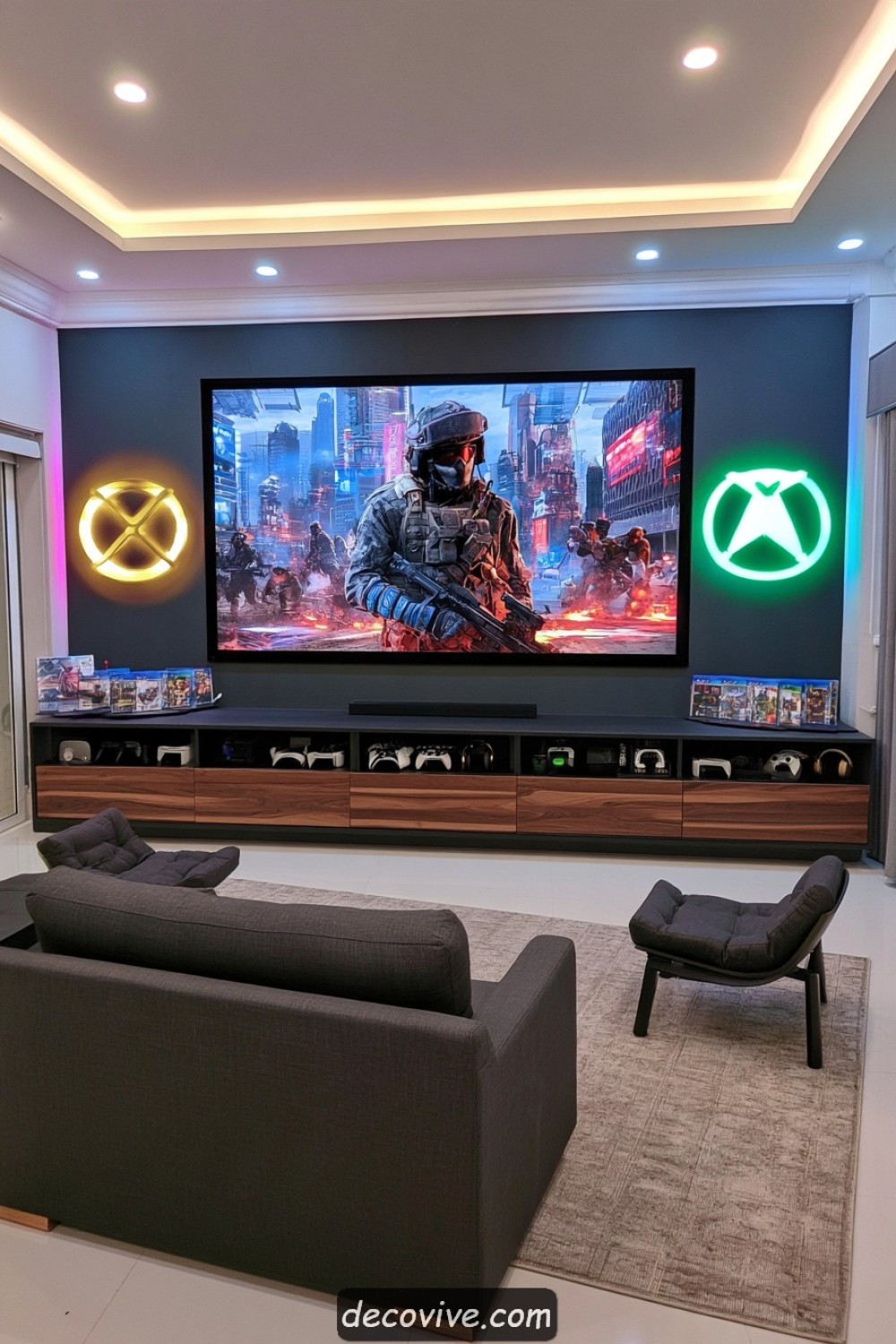
A wide television or projection screen can anchor a console room when its size suits the seating distance. Center the display on the primary sofa and keep shelving or artwork around it visually restrained. A low media unit can hold consoles, games, and controllers without raising the screen too high. Position the center of the image close to a comfortable seated viewing level.
Wall-mounted televisions require brackets and wall fixings rated for the display’s weight and mounting pattern. Projectors need suitable throw distance, alignment, light control, and ventilation. Test the proposed screen dimensions with painter’s tape before purchasing equipment. Excessive size at a short distance may cause repeated head and eye movement rather than creating a more immersive experience.
2. Build a Sunken-Style Lounge Without Altering the Floor
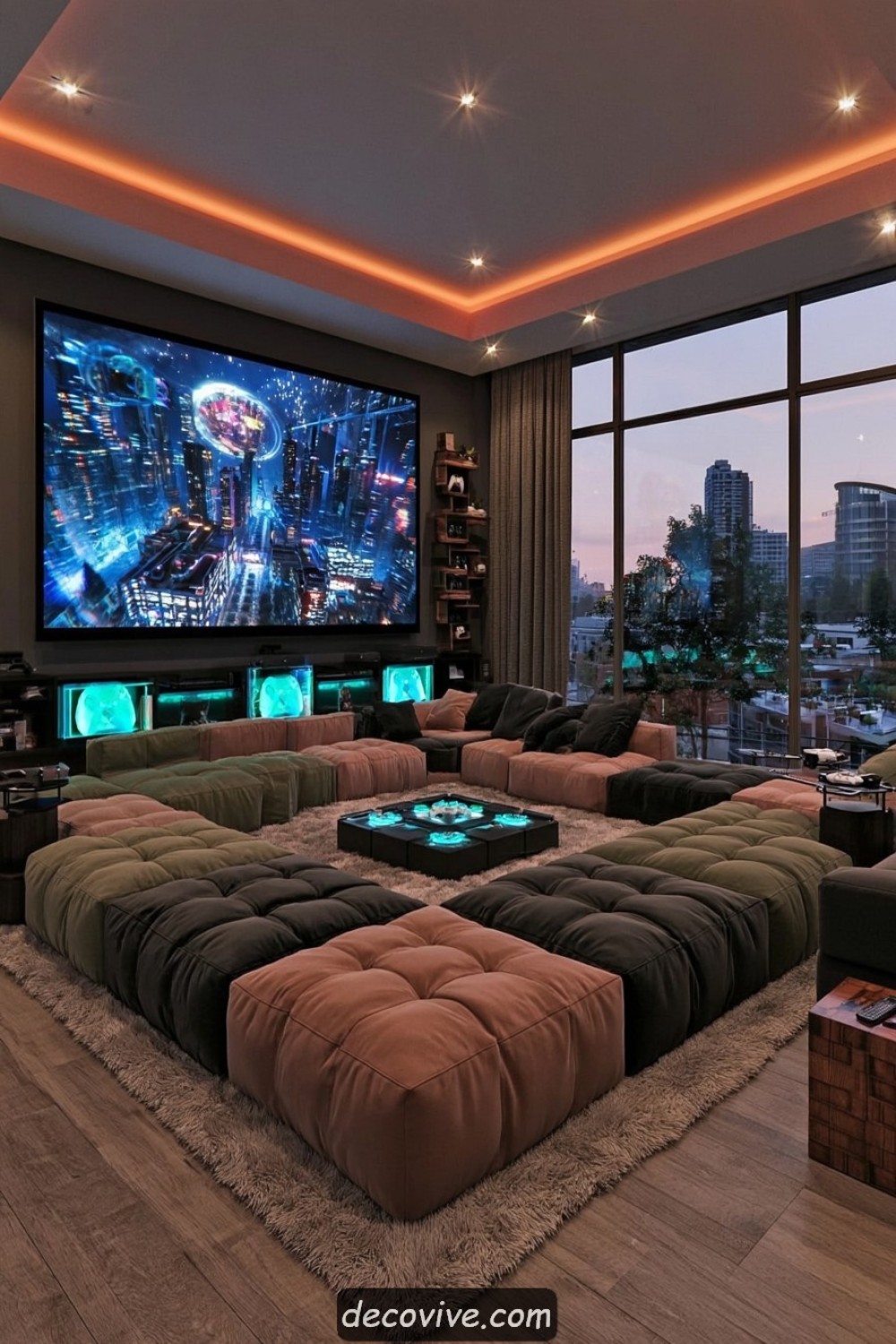
Deep modular seating, a large rug, and low tables can create the appearance of a sunken gaming lounge without making structural changes. Arrange the modules in a shallow U shape so several players can see the display without turning sharply. Darker upholstery within the seating area can visually define it, while lighter surrounding walls prevent the room from feeling enclosed.
Connect modular pieces securely so they do not separate as players move. Low seating may not suit users who find standing difficult, so include at least one conventional chair. Keep drinks on stable side surfaces away from controllers and electrical equipment. Actual floor excavation involves structural, waterproofing, and building-code concerns and should never be attempted merely to reproduce an inspirational image.
3. Design a Library Wall for Physical Game Collections
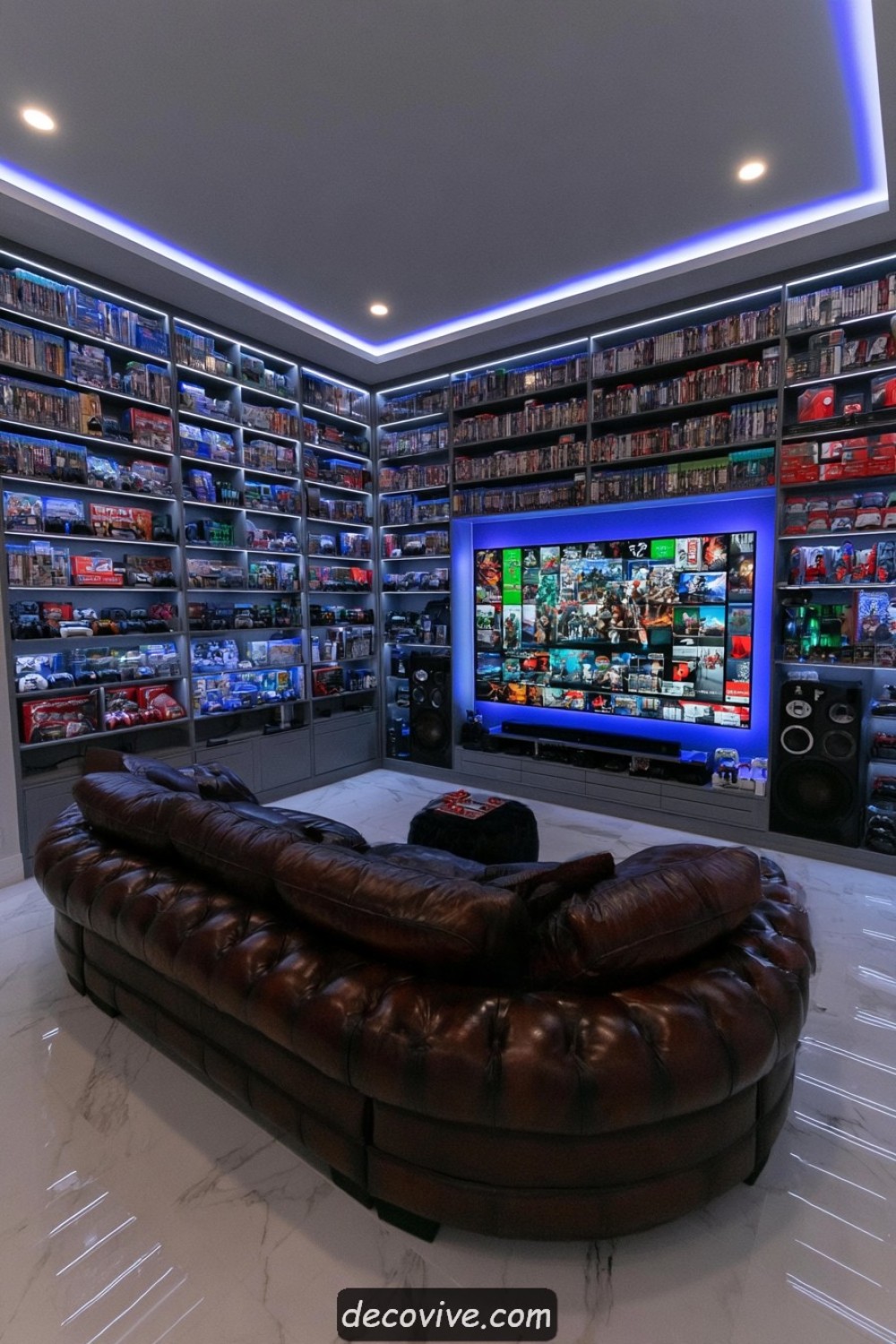
A library wall can organize boxed games, collector editions, guides, and older consoles by platform or generation. Use adjustable shelving because package dimensions vary and collections change. Frequently played titles should remain within comfortable reach, while valuable or fragile editions can sit behind doors. Closed lower cabinets are useful for cables, adapters, and equipment packaging.
Tall storage must be secured against tipping, with heavier consoles and books placed on lower shelves. Protect physical media from direct sunlight, excessive humidity, and heat. Shelves should be deep enough to support packages without allowing them to disappear from view. Leaving some open space improves visibility and prevents the collection from looking like unorganized inventory.
4. Arrange a Four-Player Party Gaming Zone
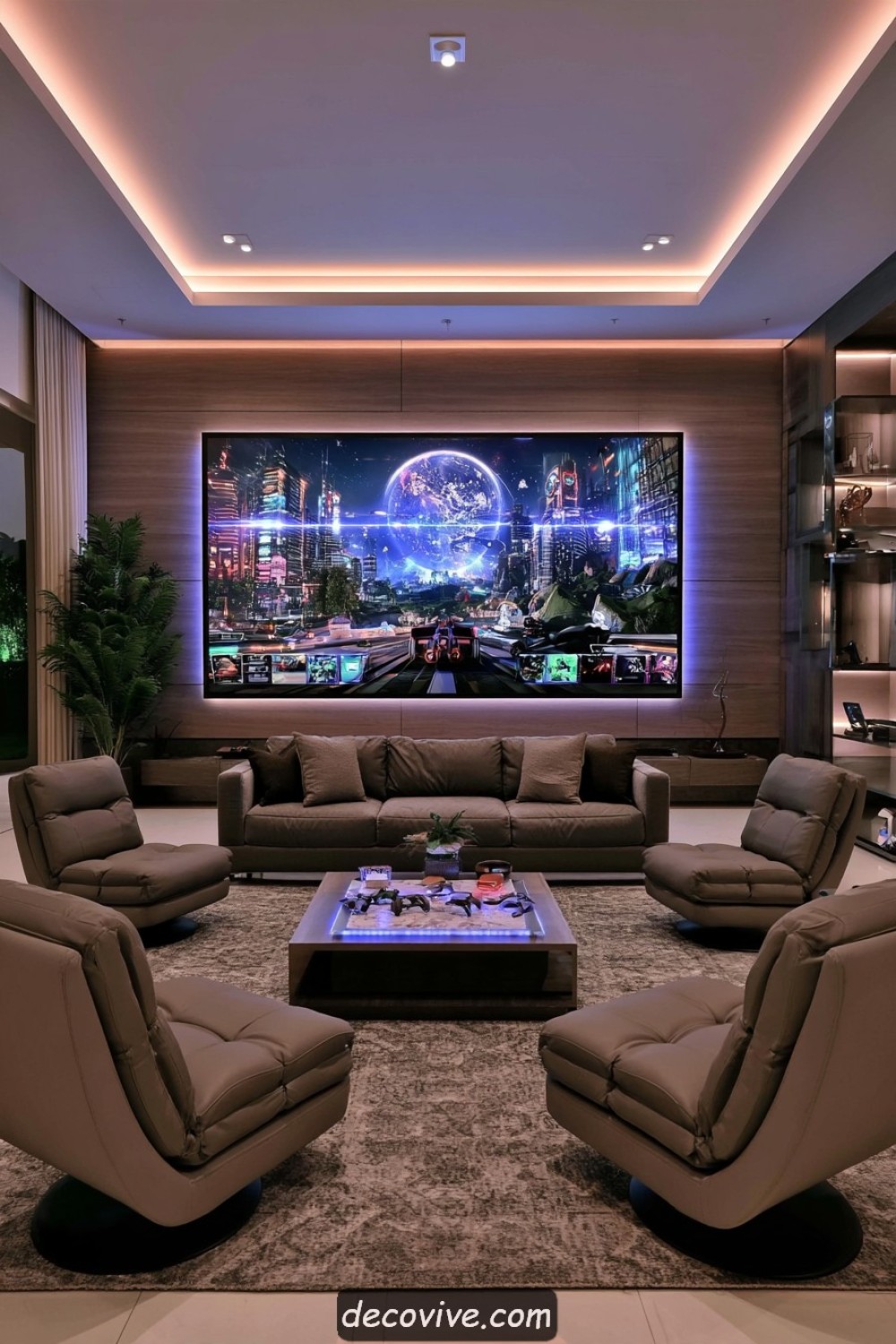
A multiplayer zone should provide four clear viewing positions without forcing anyone to sit at an extreme angle. Combine a compact sofa with two movable chairs or supportive ottomans arranged in a shallow arc. A central storage table can hold controllers between sessions, but it should remain low enough that it does not block the display.
Provide a charging location for every controller and label identical accessories when helpful. Keep cables outside walking paths and confirm that wireless connections work reliably from each seat. Players need enough elbow room for normal controller movement. Games involving motion controls require a larger clear area, making lightweight seating valuable when the room must switch between seated and active play.
5. Turn a Long Narrow Room Into a Gaming Theater
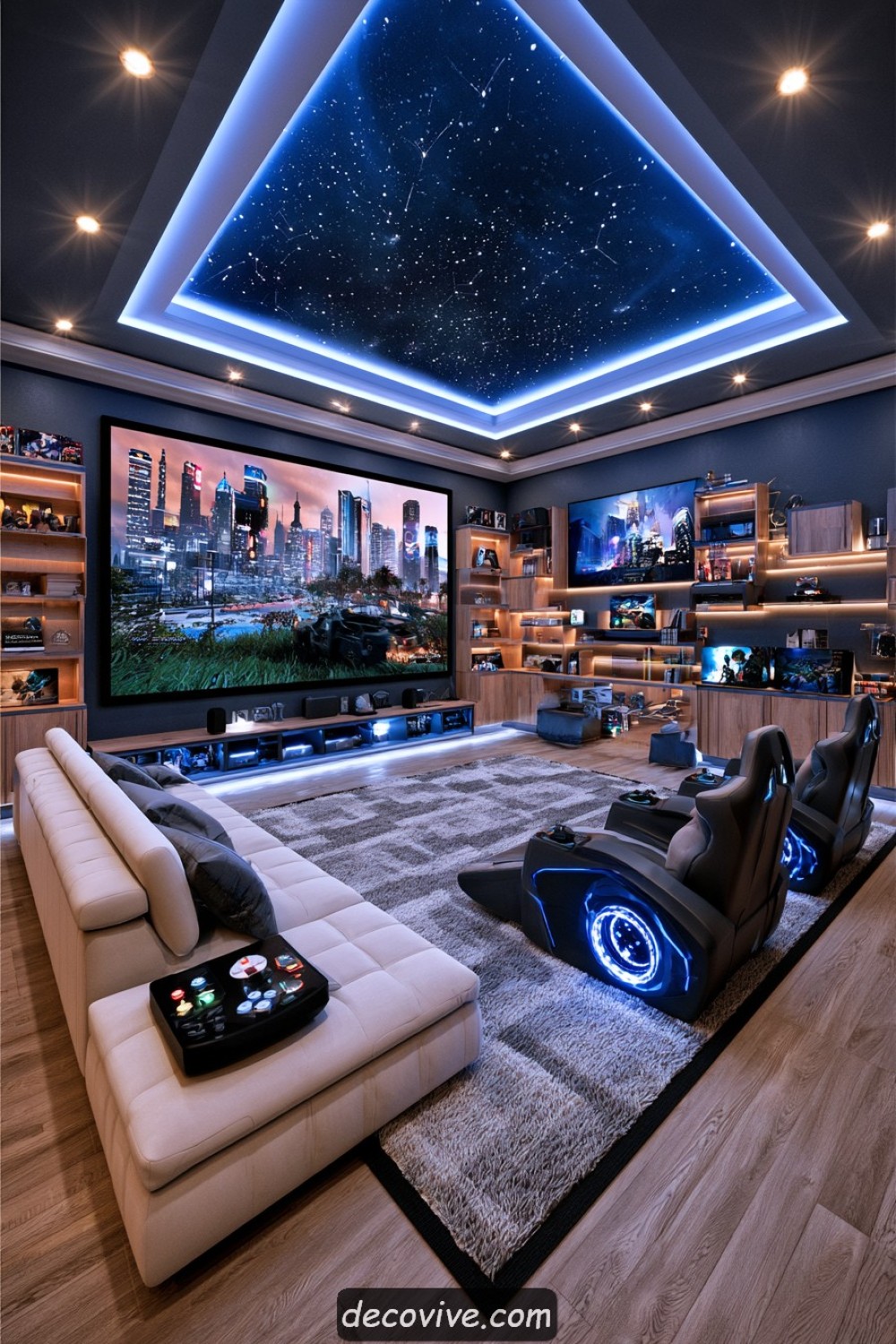
In a long room, position the screen on the shorter wall and arrange seating along the central axis. A single sofa or compact sectional often works better than chairs spread across both sides. Use shallow wall-mounted storage to keep floor width available. Darkening the screen wall can reduce visual distraction without making the entire narrow room feel smaller.
Check viewing distance before choosing the screen and maintain a clear passage along at least one side. Speakers should not project into the aisle or sit where they can be knocked. Avoid placing additional seating behind the sofa unless those viewers maintain a clear sightline. Separate lighting controls can illuminate the entrance and storage without producing glare across the display.
6. Create a Japanese-Inspired Floor Gaming Room
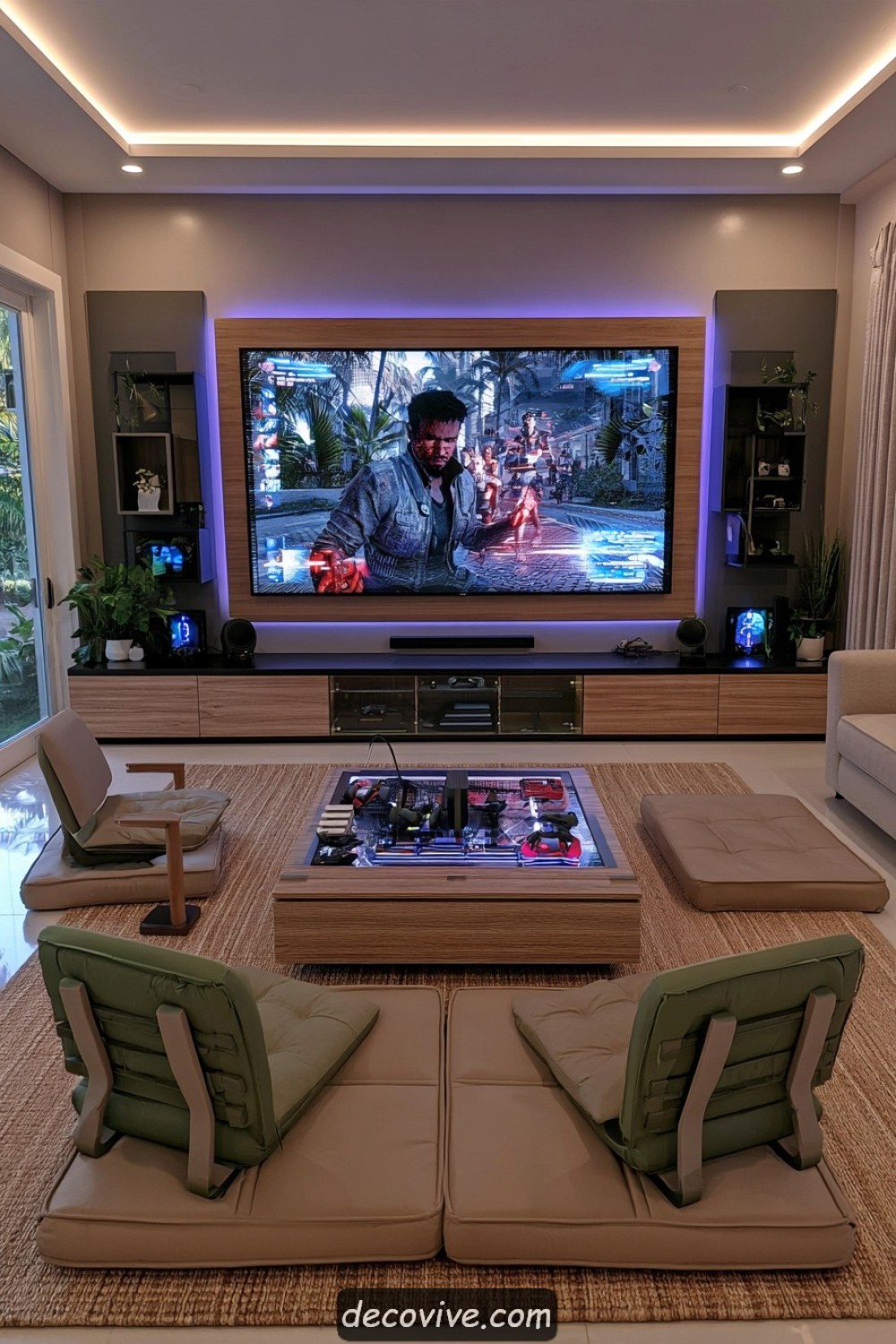
Low chairs, floor cushions, pale timber, and restrained storage can create a calm setting for console gaming. Use supportive floor chairs with backs rather than relying only on loose cushions. A low media cabinet keeps the screen aligned with the seating height, while closed boxes organize controllers and games. Limit decorative motifs so the room feels considered rather than themed.
Floor seating is not comfortable or accessible for everyone. Provide an alternative chair and enough open space for users to stand safely. Rugs and mats need slip-resistant backing, and seating should not block doors or ventilation. Authentic Japanese rooms involve cultural and architectural traditions beyond surface decoration, so focus on low proportions, simplicity, and function rather than stereotyped accessories.
7. Build a Dedicated Handheld Gaming Corner
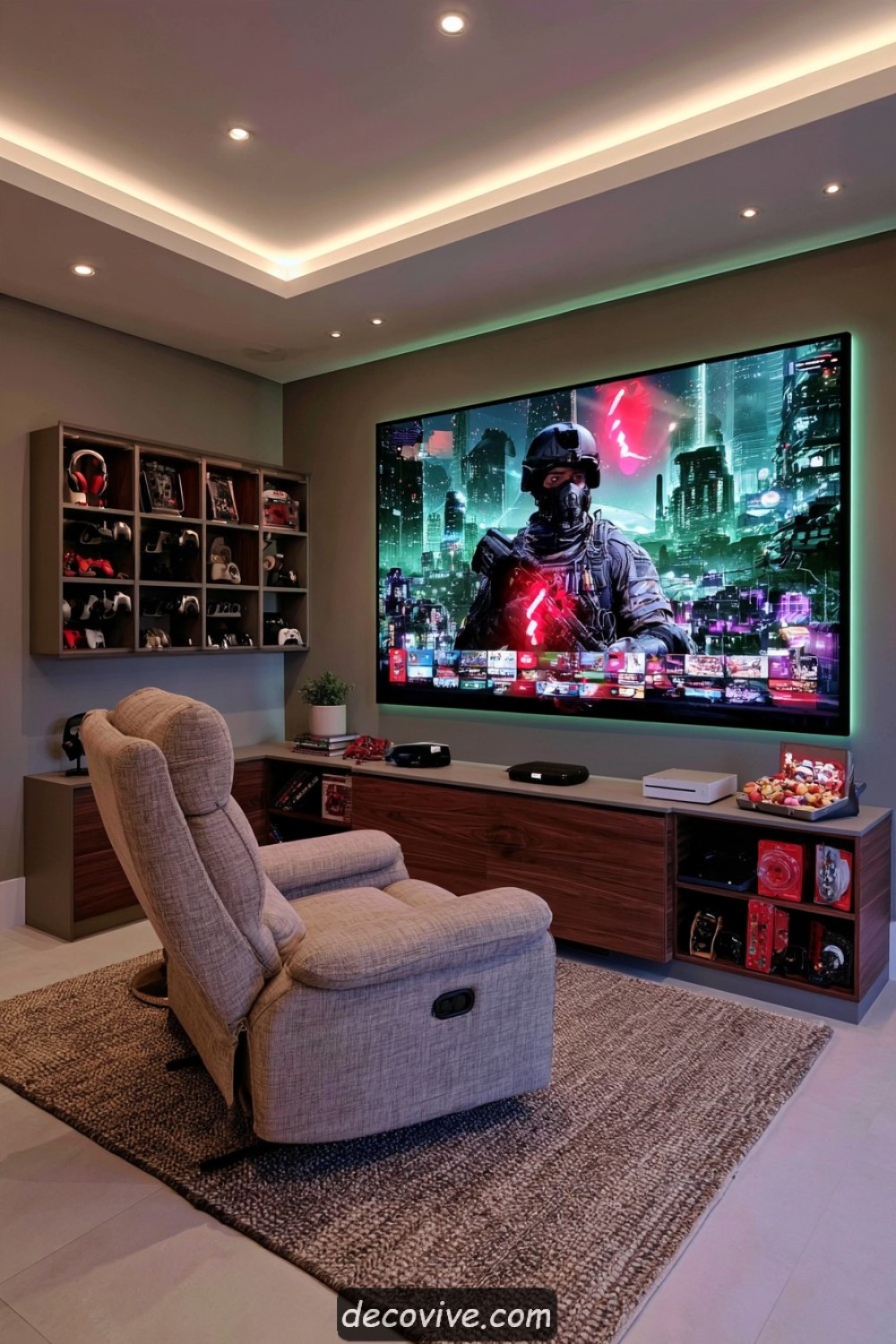
A handheld gaming corner needs a supportive chair, focused lighting, charging access, and a secure place for devices. Use a shallow cabinet with divided drawers for consoles, cases, cartridges, headphones, and power adapters. A small side table keeps drinks separate from electronics while providing space for the device when play pauses.
Charging equipment should remain ventilated and visible enough to detect heat or damaged batteries. Use compatible chargers and avoid storing devices beneath heavy objects. The chair should support the back and arms so the player does not hold the screen in a strained position for long periods. Adjustable lighting helps reduce reflections while remaining bright enough for safe movement.
8. Use Two Screens for Flexible Console Play
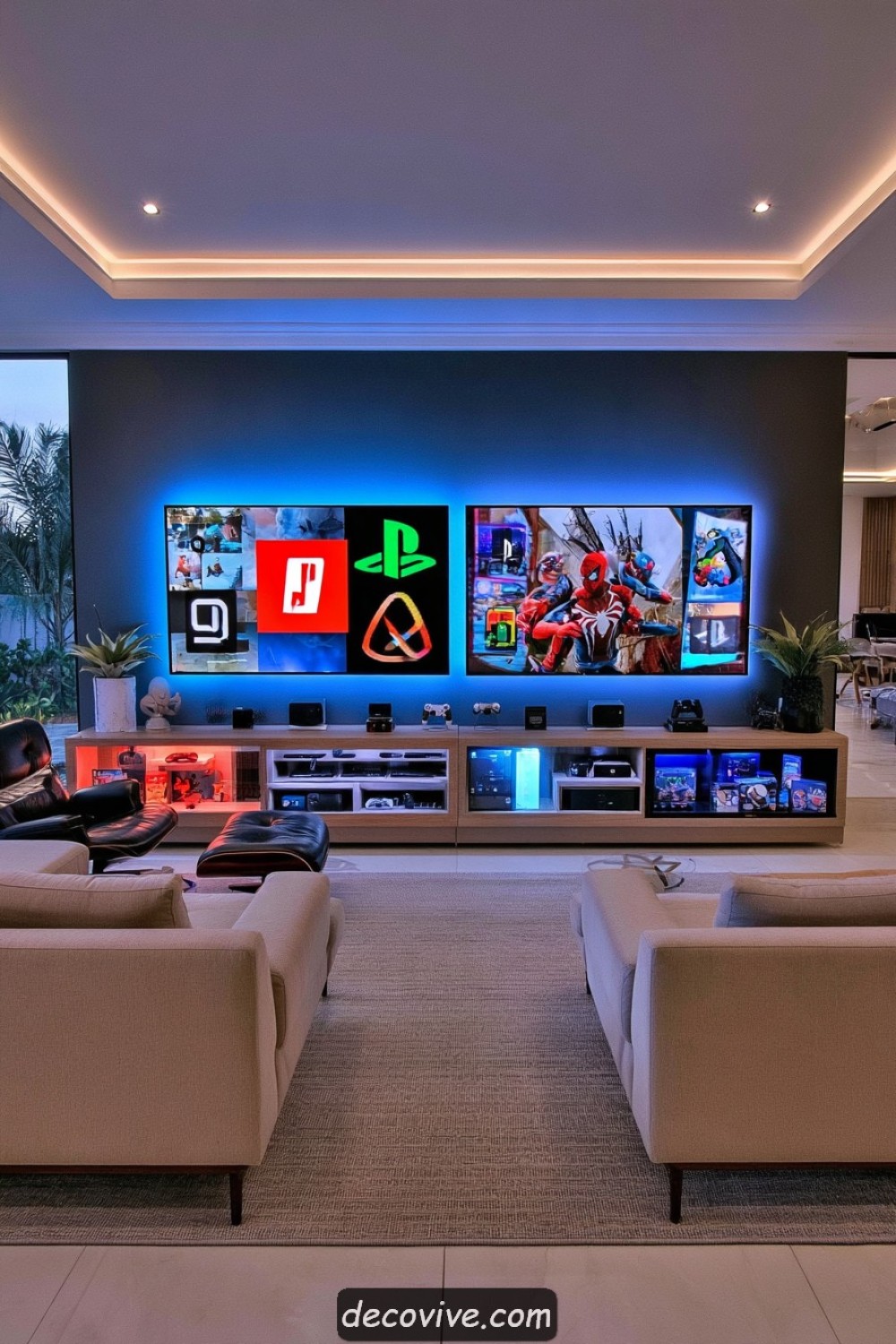
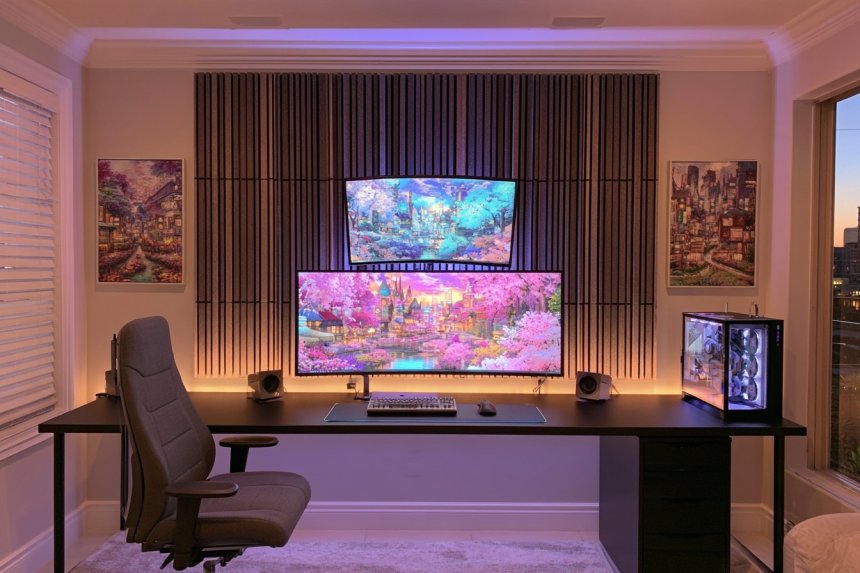
Two screens can support separate games, cooperative sessions, tournaments, or simultaneous gaming and spectator viewing. Use matching display sizes and align them at a comfortable height to create a controlled composition. Independent input switching allows each screen to serve different consoles. A divided media cabinet can keep the equipment and controllers for each side organized.
Multiple screens increase power use, heat, cable volume, and visual brightness. Confirm electrical capacity and provide ventilation around every console and display. Sound from two games can become distracting, making headphones or separate listening arrangements useful. Wall fixings must support each screen independently, and cables should remain accessible without crossing the floor.
9. Shape a Retro Arcade Lounge Without Overdecorating
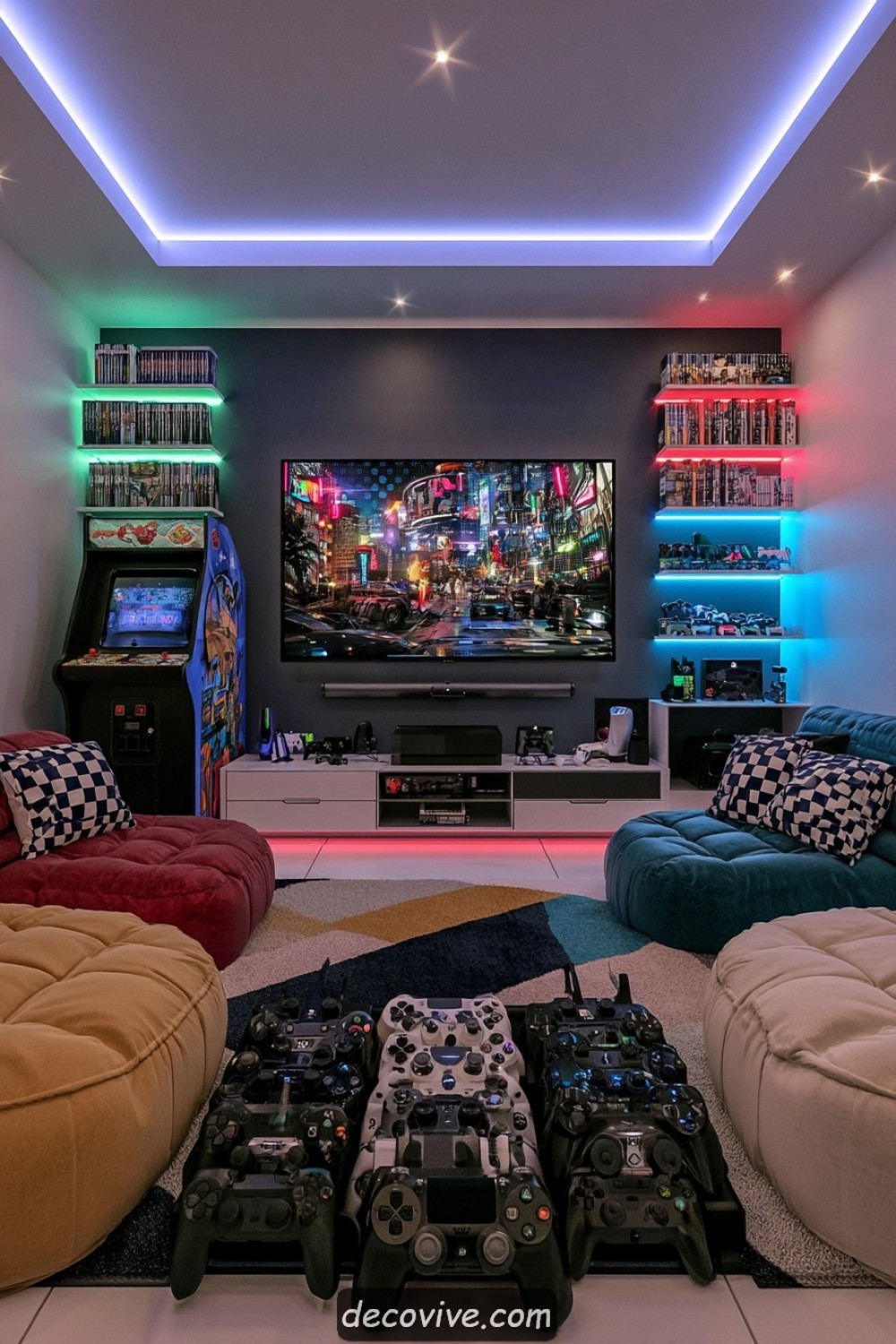
A retro arcade mood can come from one cabinet, a selected color palette, and a small collection of framed game art. Keep walls and larger furniture restrained so vintage equipment remains distinctive. A low sofa provides a separate console zone, allowing the room to support both arcade and contemporary play without filling every surface with memorabilia.
Original arcade cabinets are large, heavy, and may contain aging electrical components. Check delivery access, floor capacity, ventilation, plugs, wiring, and overall condition before installation. Older equipment may require specialist servicing. Maintain clear space around controls and never block vents. Reproduction artwork and legally licensed graphics are preferable to low-quality copied material.
10. Conceal Consoles Inside a Dark Wood Media Unit
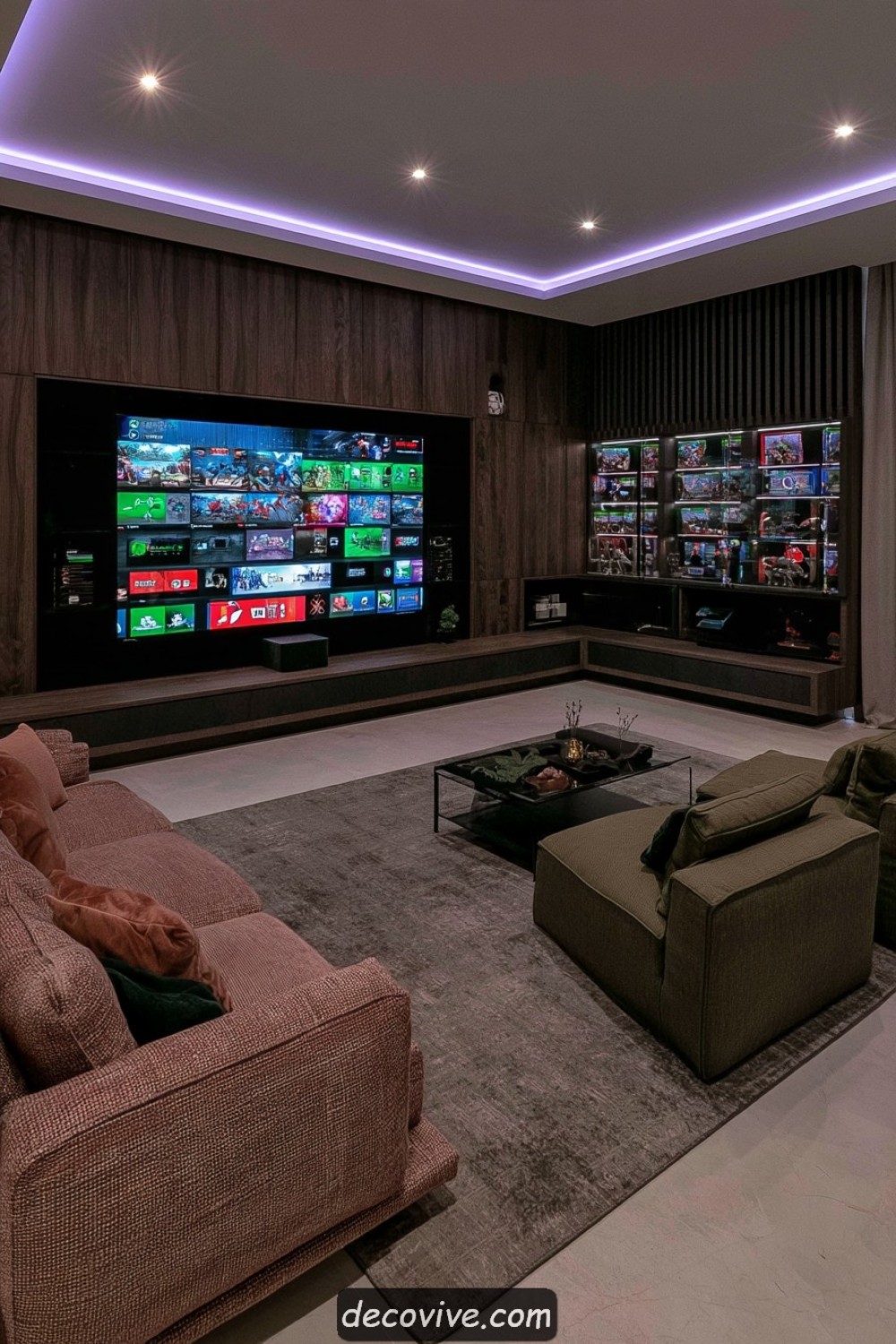
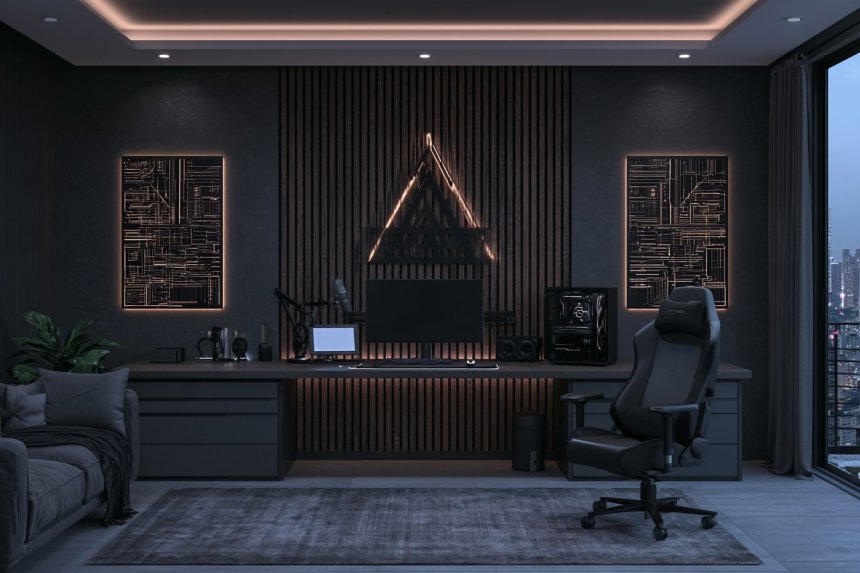
A dark walnut or smoked-oak media unit can conceal consoles, controllers, and cables while giving the room a more furniture-focused appearance. Use ventilated compartments, adjustable shelves, and removable back panels. Doors may hide inactive equipment, but frequently used consoles should remain easy to reach. A low-sheen finish reduces distracting reflections around the screen.
Do not operate consoles inside tightly closed cabinetry. Follow manufacturer clearance and ventilation guidance, and avoid stacking heat-producing equipment. Outlets, network connections, and cable routes should remain accessible for servicing. Dark cabinets can make indicator lights and ports difficult to see, so discreet internal task lighting may be useful when designed and installed safely.
11. Create Back-to-Back Gaming and Relaxation Zones
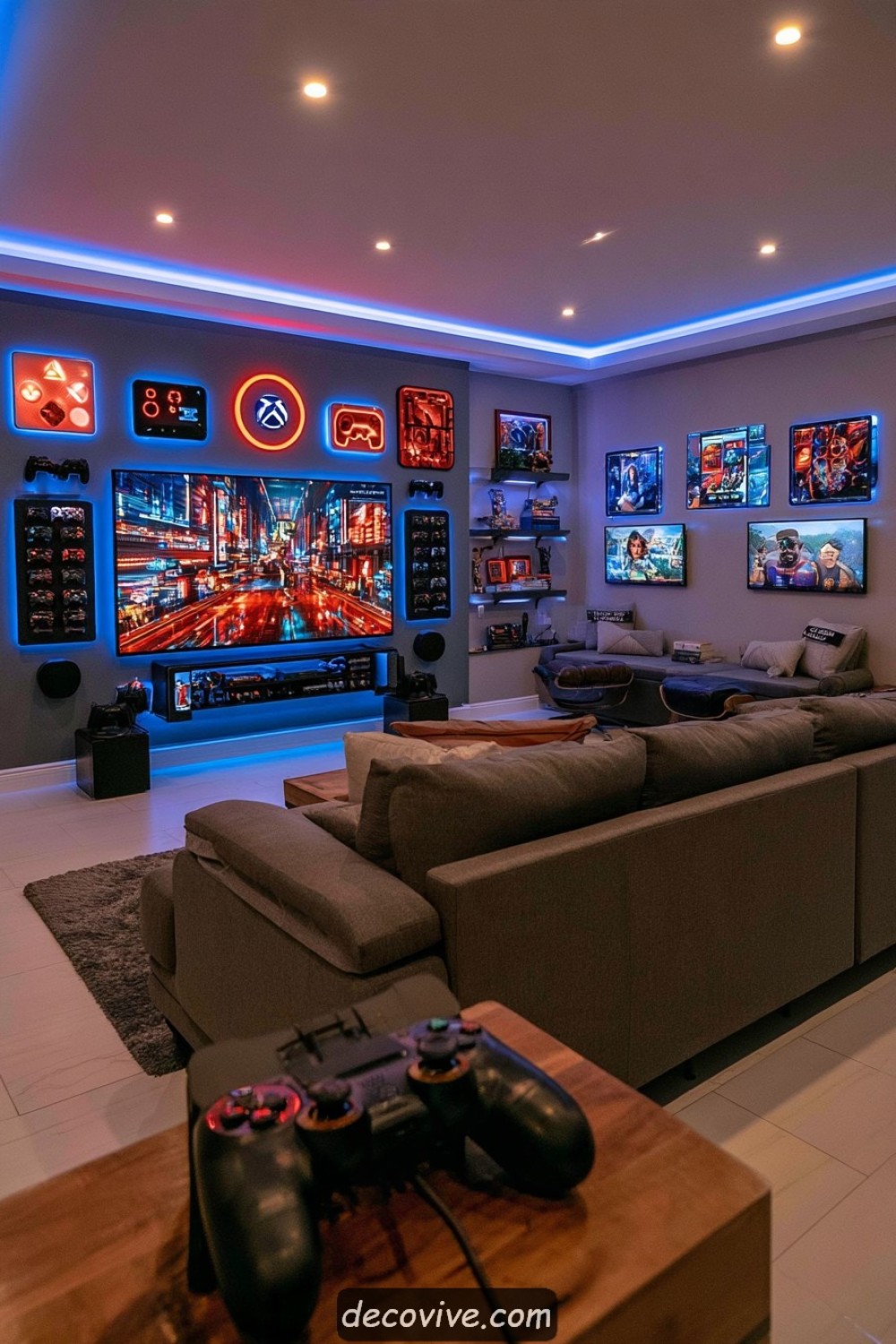
A sofa can divide gaming and relaxation areas when placed away from the wall. Face the primary seats toward the console screen and position a reading chair, game table, or quieter lounge behind them. A low console table along the sofa back can store accessories while reinforcing the division. Coordinated colors help both sides feel like one room.
Maintain circulation around the sofa and avoid running electrical cables across the open floor. The rear zone should not create competing screen glare or sound. Secure tall furniture and keep decorations on the dividing console low and stable. Test both layouts simultaneously to confirm that chairs, drawers, and tables can operate without colliding.
12. Turn the Controller Collection Into an Organized Display
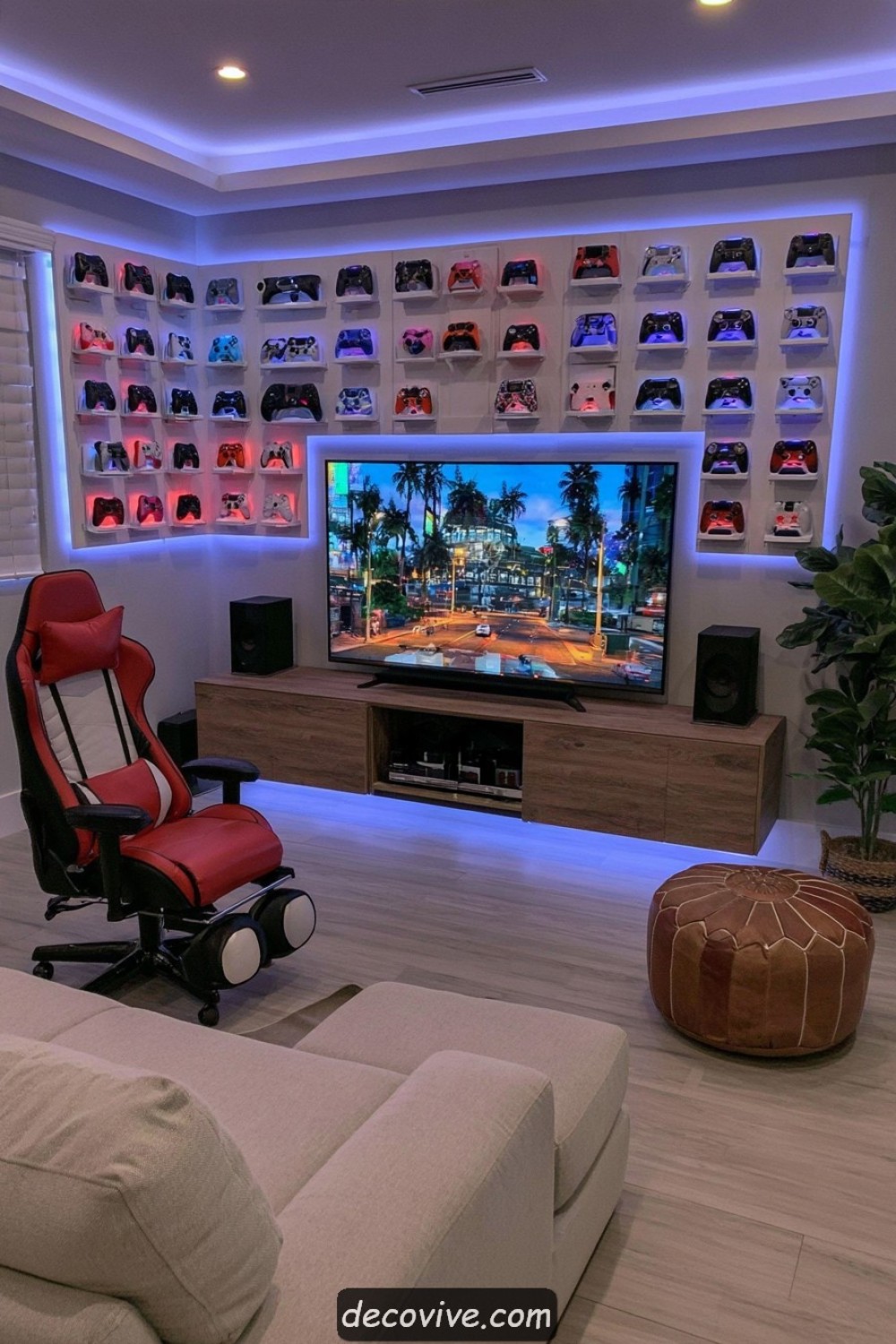
Wall-mounted controller storage can make frequently used devices easy to identify while adding color and shape to the room. Use purpose-made supports arranged by console, generation, or color. Leave enough space to remove one controller without disturbing its neighbors. Charging controllers may remain in a separate ventilated station rather than hanging with cables attached.
Mount every holder securely and position valuable devices away from direct sunlight, heat, and accidental impact. Avoid adhesive supports unless they are rated for the wall surface and expected load. Battery-powered controllers should be inspected for swelling, leakage, or damage. Wall displays belong outside active movement zones where an arm, chair, or opening door could strike them.
13. Improve Comfort With Upholstered Wall Surfaces
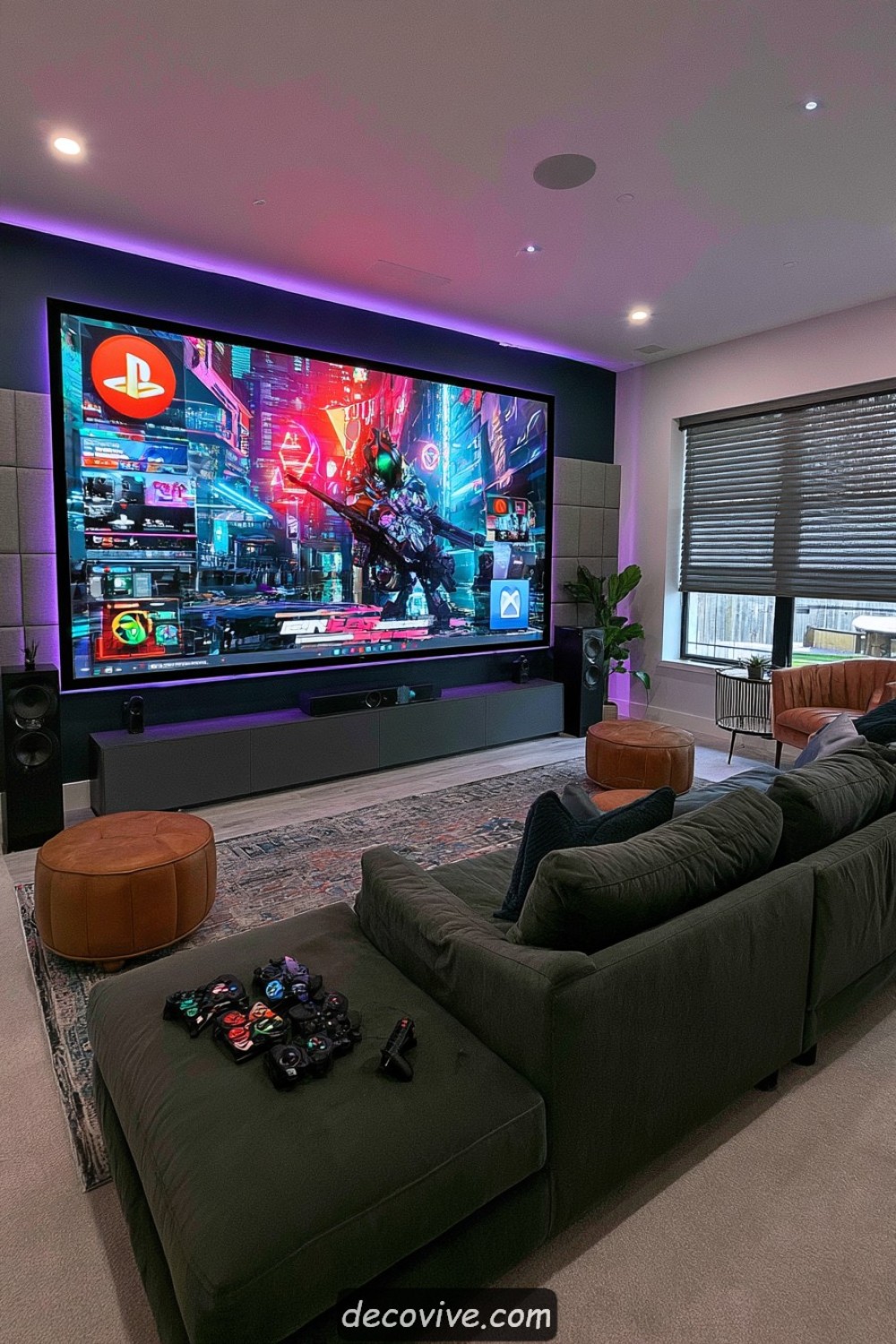
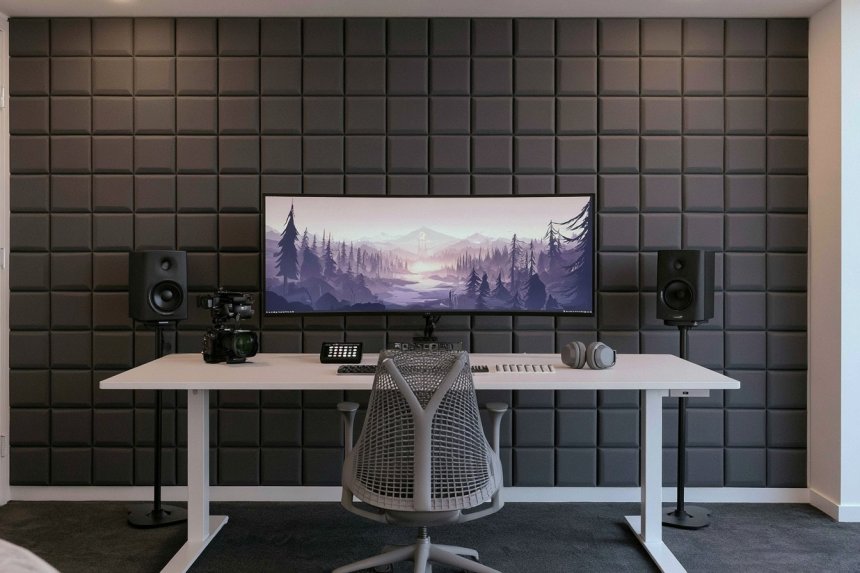
Selected upholstered panels can soften a gaming room and reduce some internal sound reflections. Place them on one side wall or behind the seating rather than covering every surface. Fabric colors can connect the sofa, rug, and media unit, while broad panels create a calmer appearance than numerous small geometric pieces.
Acoustic treatment is not the same as soundproofing and may not prevent game audio from reaching adjoining rooms. Choose tested materials with suitable fire-performance information and install them securely. Fabric should remain clear of outlets, heaters, ventilation, and equipment. Regular vacuuming prevents upholstered walls from becoming neglected dust-collection surfaces.
14. Add a Safe Platform for Improved Screen Visibility
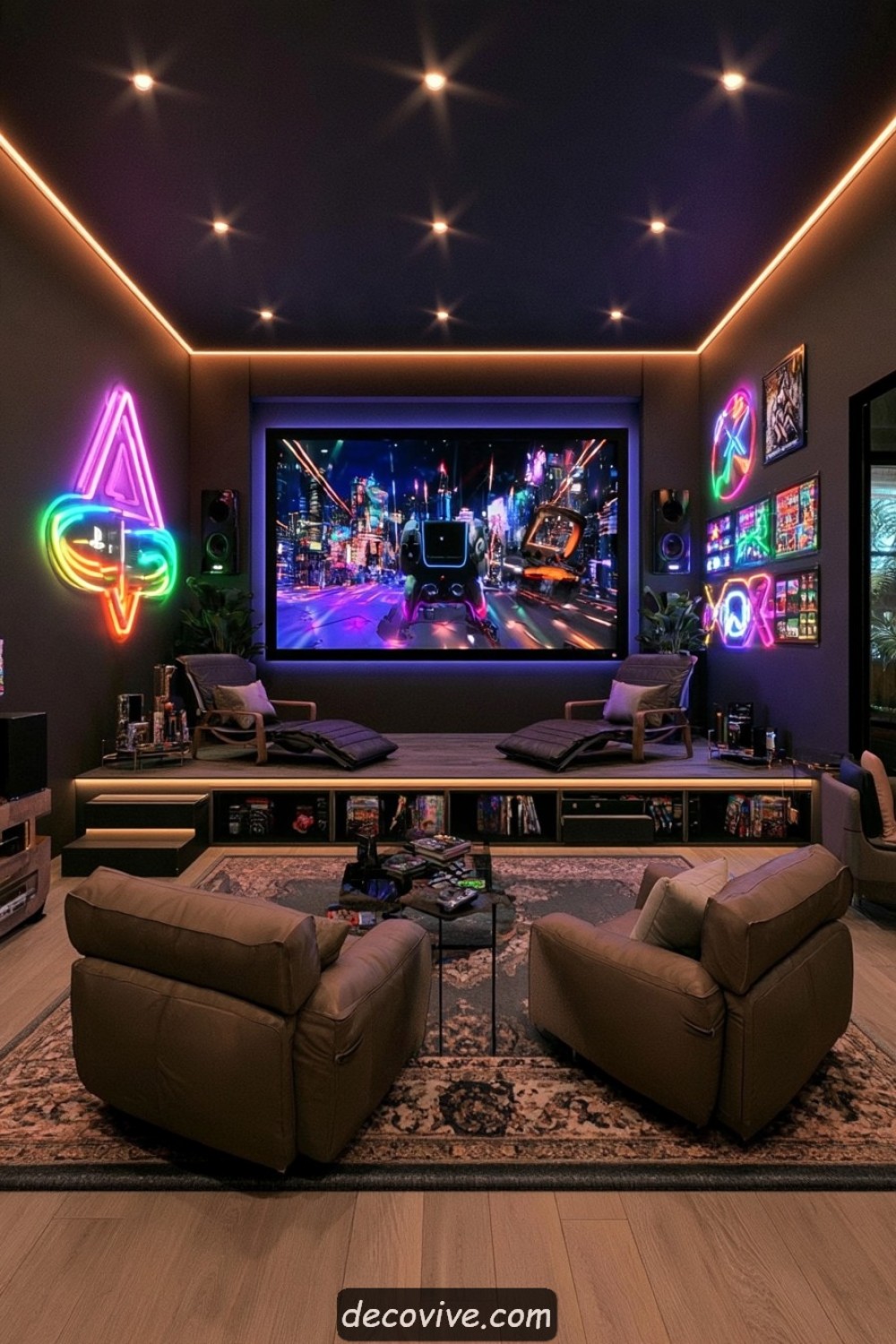
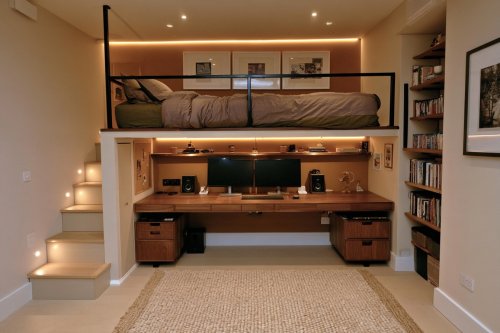
A raised rear platform can improve visibility when the gaming room includes two seating rows. Calculate its height using the screen position, seat dimensions, and eye levels of front and rear players. Provide sufficient legroom and an aisle that allows people to reach the rear seats without climbing over occupied furniture.
The platform must support people, seating, and stored equipment while complying with local requirements for steps, edges, guarding, and head clearance. Add low-level illumination so changes in floor height remain visible without reflecting on the display. Use a slip-resistant finish and avoid loose rugs. Permanent construction should be assessed and completed by appropriately qualified professionals.
15. Reference a Favorite Game Genre Without Fixing the Whole Room to It
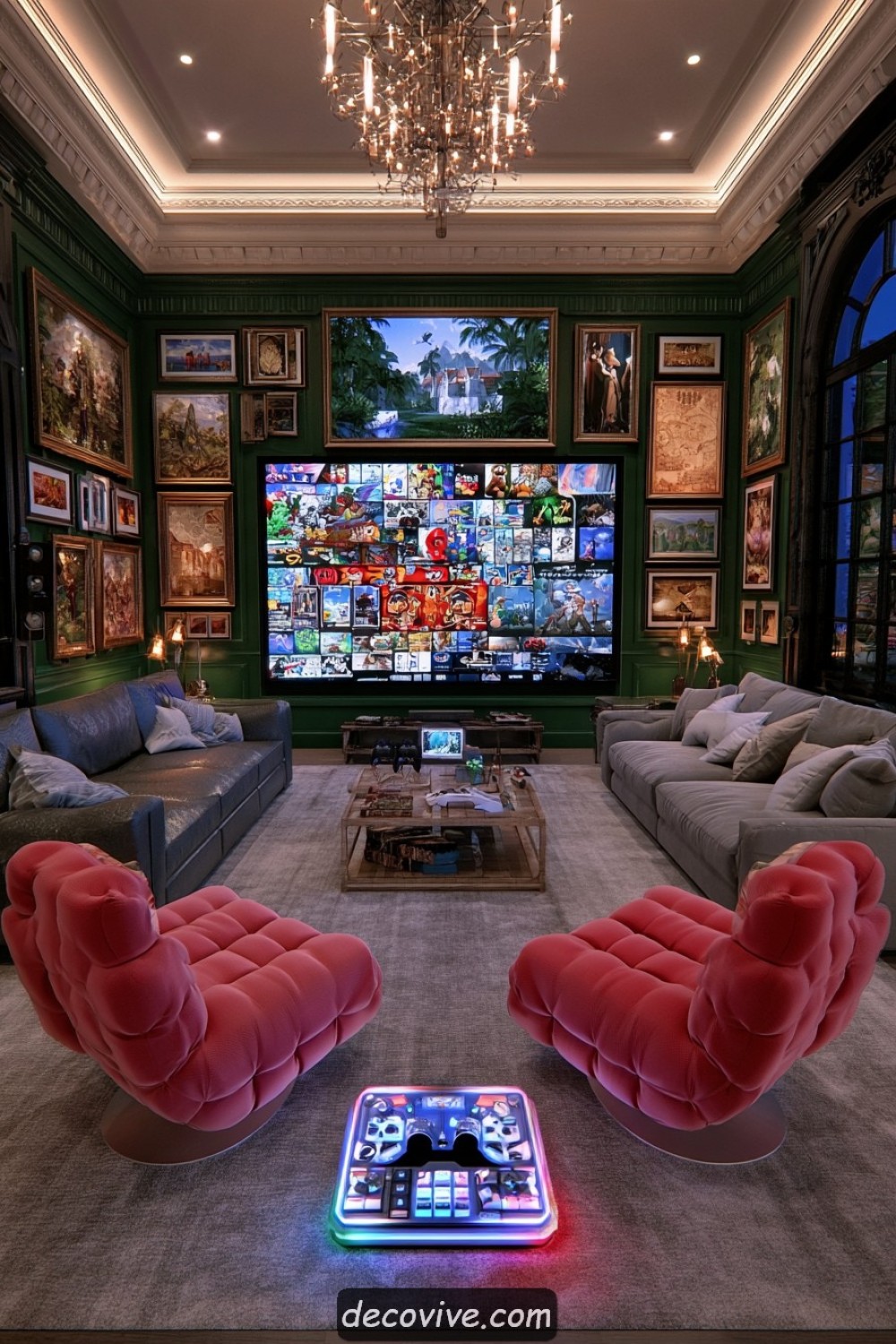
A preferred genre can guide the palette and materials without covering the room in logos. Racing games may inspire streamlined furniture, fantasy games can suggest aged timber and earthy colors, and science-fiction titles may suit cleaner metal details. Express the theme through removable artwork, cushions, and accessories while keeping permanent cabinetry comparatively neutral.
A restrained approach makes the room easier to update when preferences change. Use licensed artwork, original collections, or personal creations rather than unlicensed reproductions. Avoid lights and decorations that cause reflections or visual fatigue around the display. Valuable collectibles need stable shelving and protection from heat, sunlight, dust, and accidental handling.
16. Prepare for Game Night With Flexible Ottoman Seating
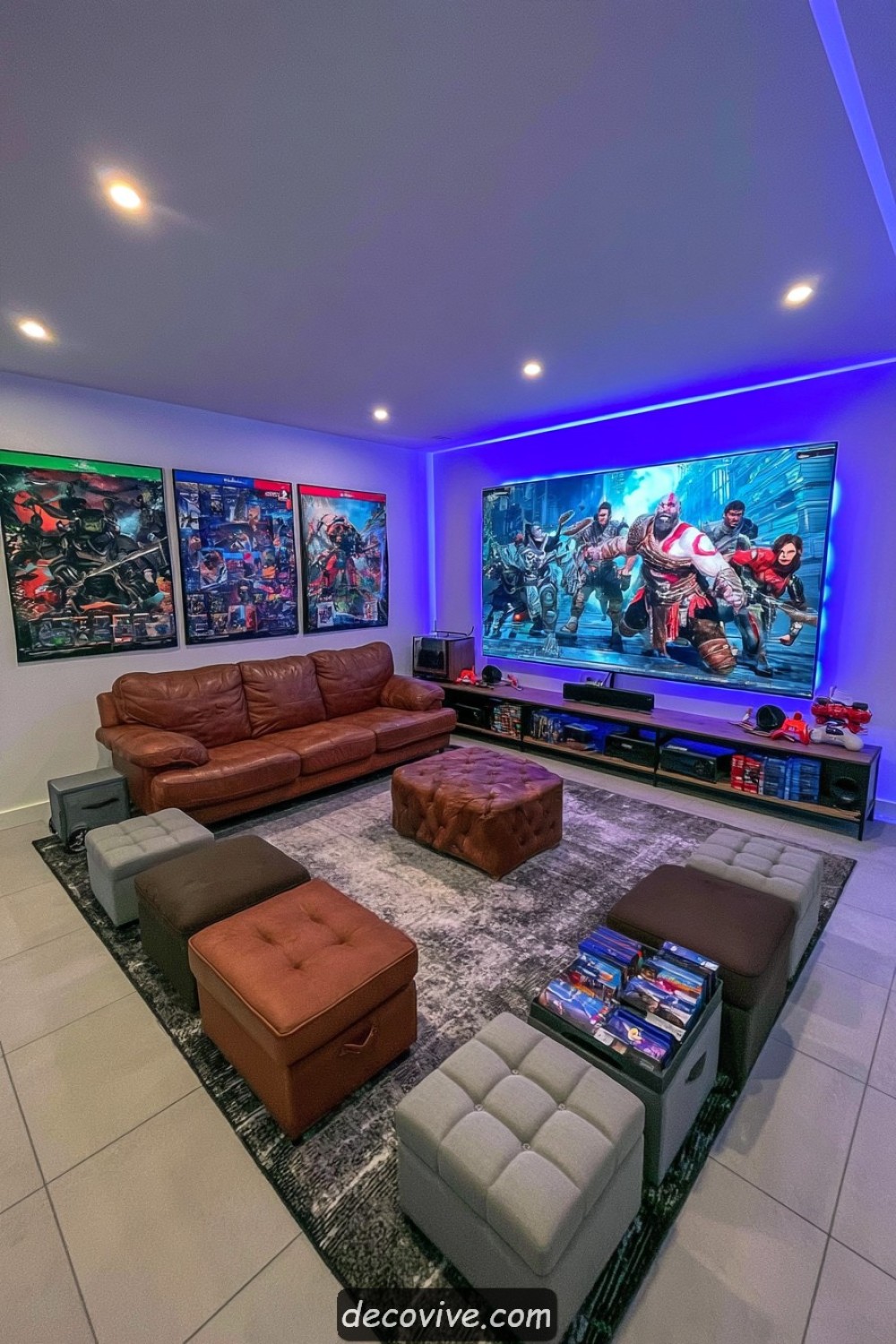
Lightweight ottomans can increase seating for occasional multiplayer sessions without occupying the room permanently. Choose supportive models with stable bases and store them beneath a console or along the wall between gatherings. Different upholstery colors can help identify individual seats while remaining coordinated with the main sofa and rug.
Ottomans should not block doors, speakers, ventilation, or walking routes when the room is full. Models with concealed storage need safe hinges and should not hold hot electronics. Provide at least some chairs with back support for longer sessions. At the end of game night, return controllers, charging cables, movable tables, and seats to designated locations so the room remains safe and organized.
MORE IDEAS


Share
What's Your Reaction?
 Like
0
Like
0
 Dislike
0
Dislike
0
 Love
0
Love
0
 Funny
0
Funny
0
 Angry
0
Angry
0
 Sad
0
Sad
0
 Wow
0
Wow
0